Screenshot Gallery
This page shows the calServer v2 interface at a glance. All screenshots are generated automatically from a running system (authenticated user, demo data) and refreshed whenever the interface changes.
Getting Started & Dashboard
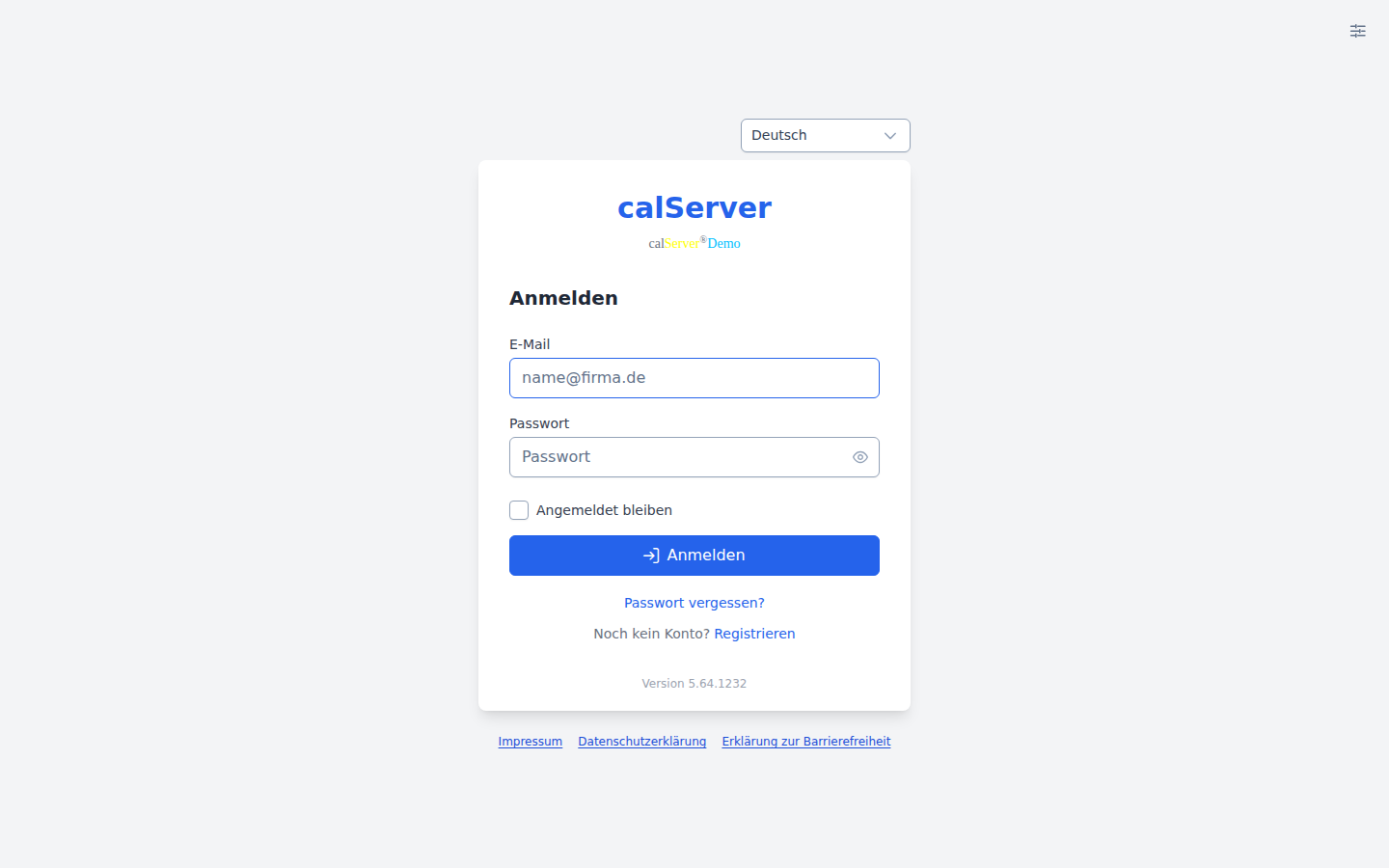
Login
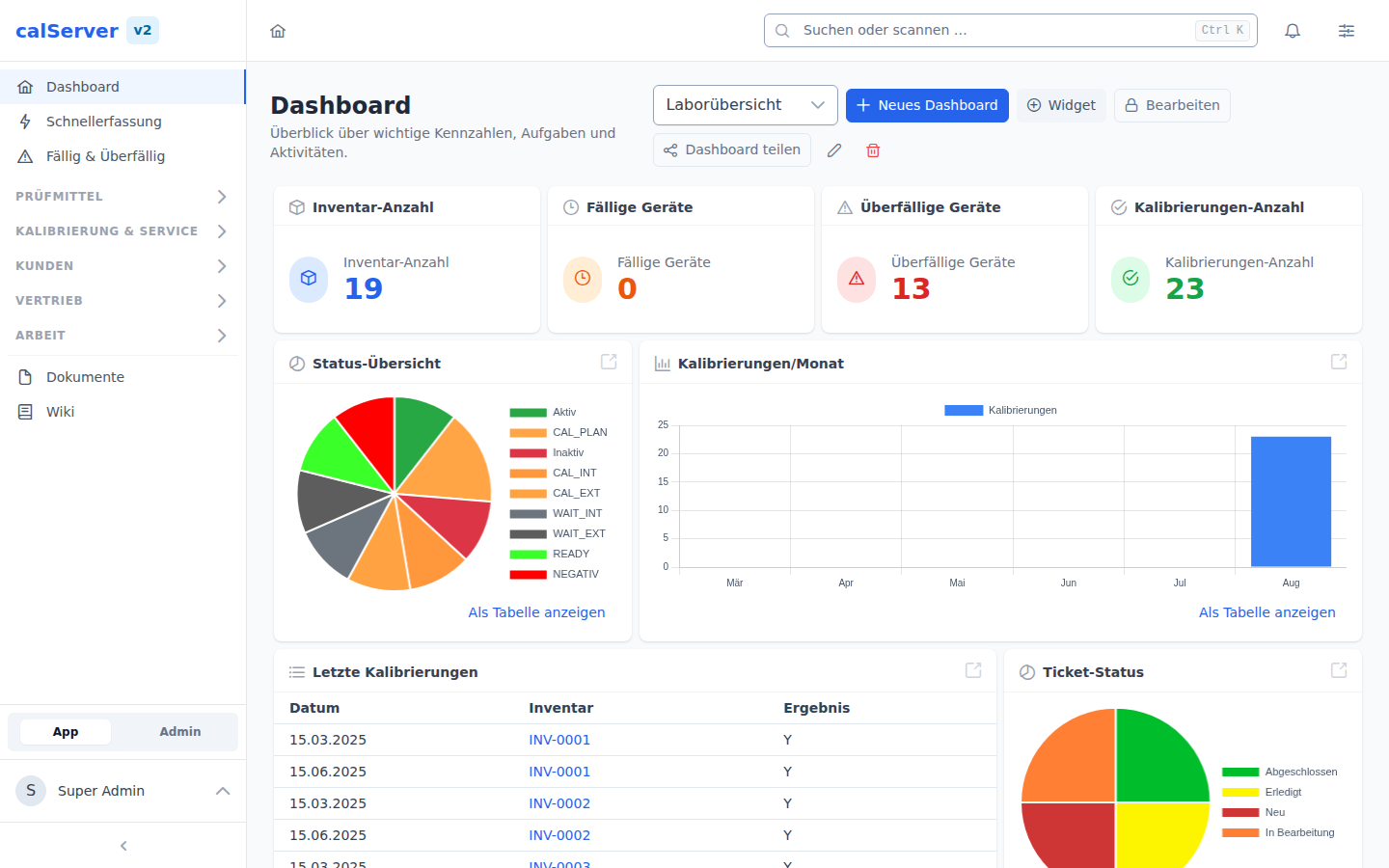
Personal dashboard with widgets — see Dashboard
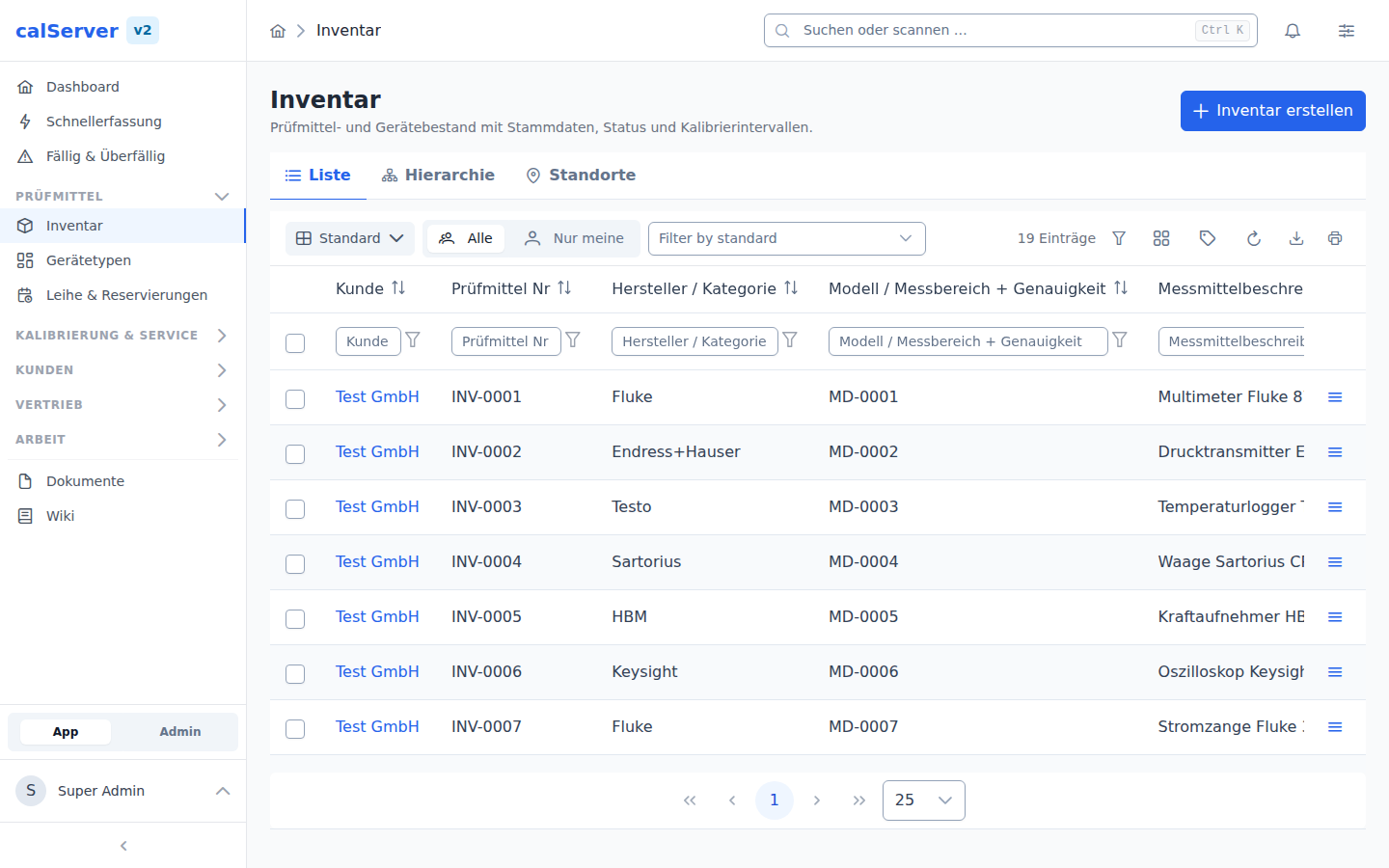
TableMaster data grid — see TableMaster (Data Grid)
Inventory & Calibration
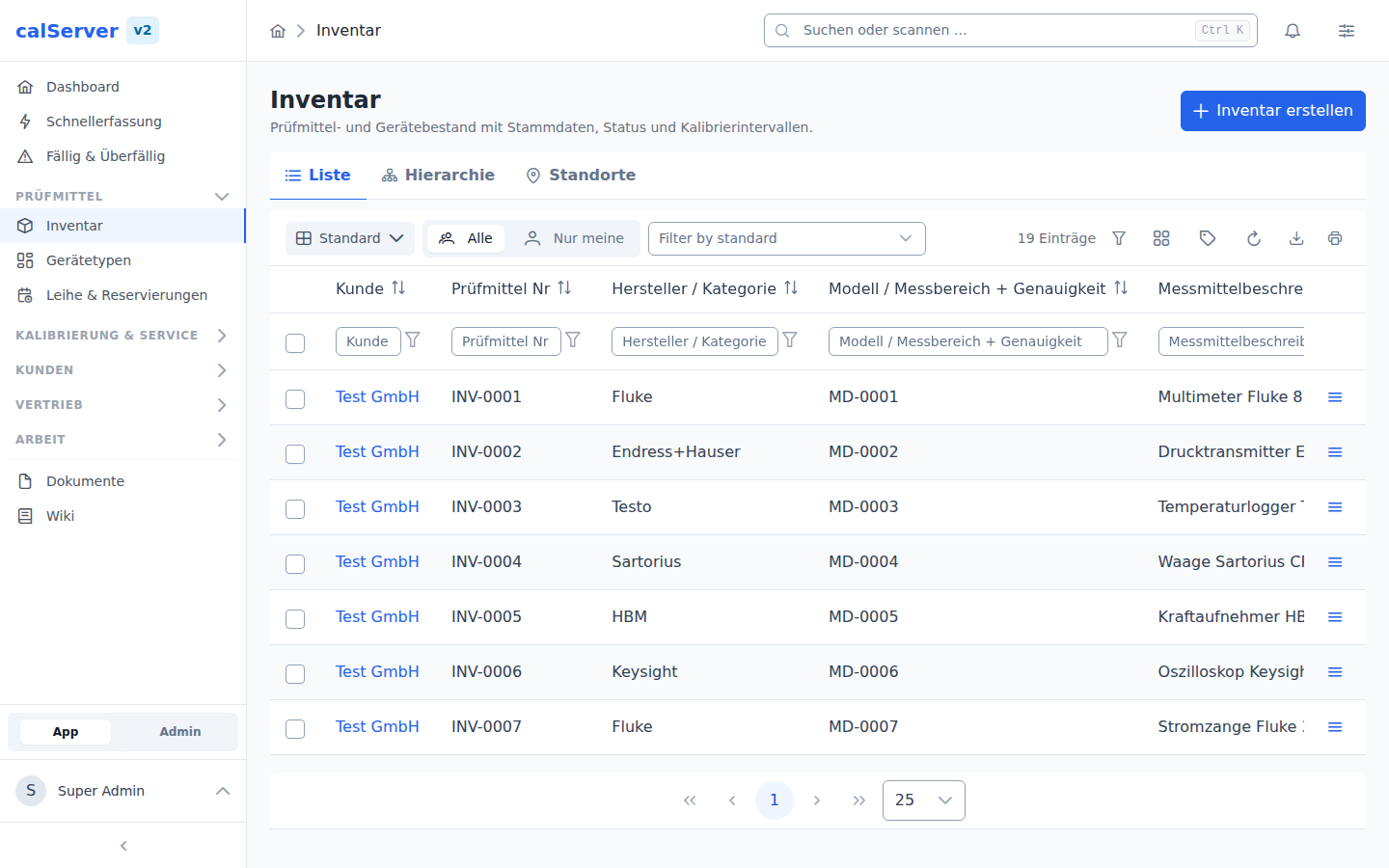
Inventory list — see Inventory List
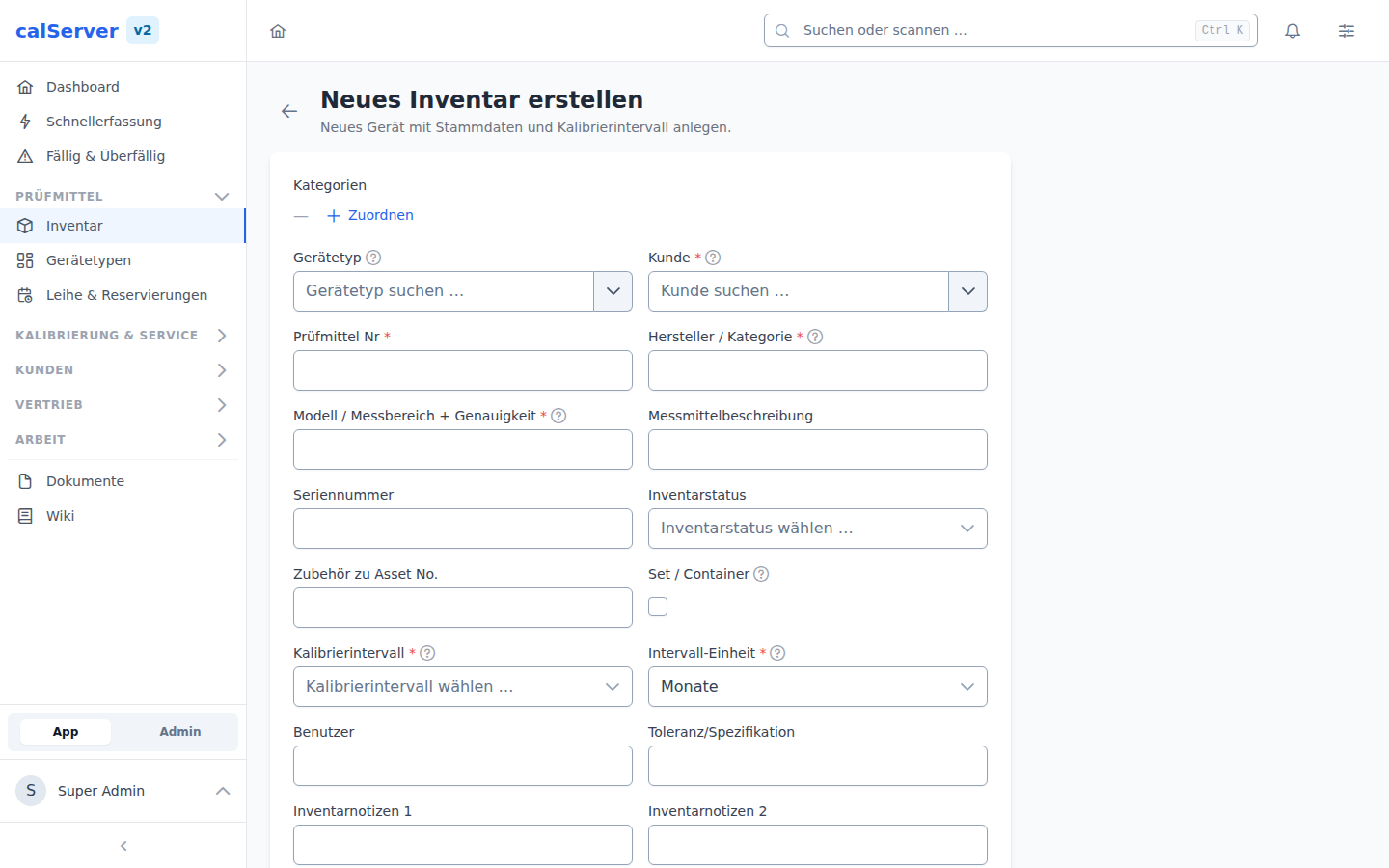
Create inventory item — see Create Inventory Item
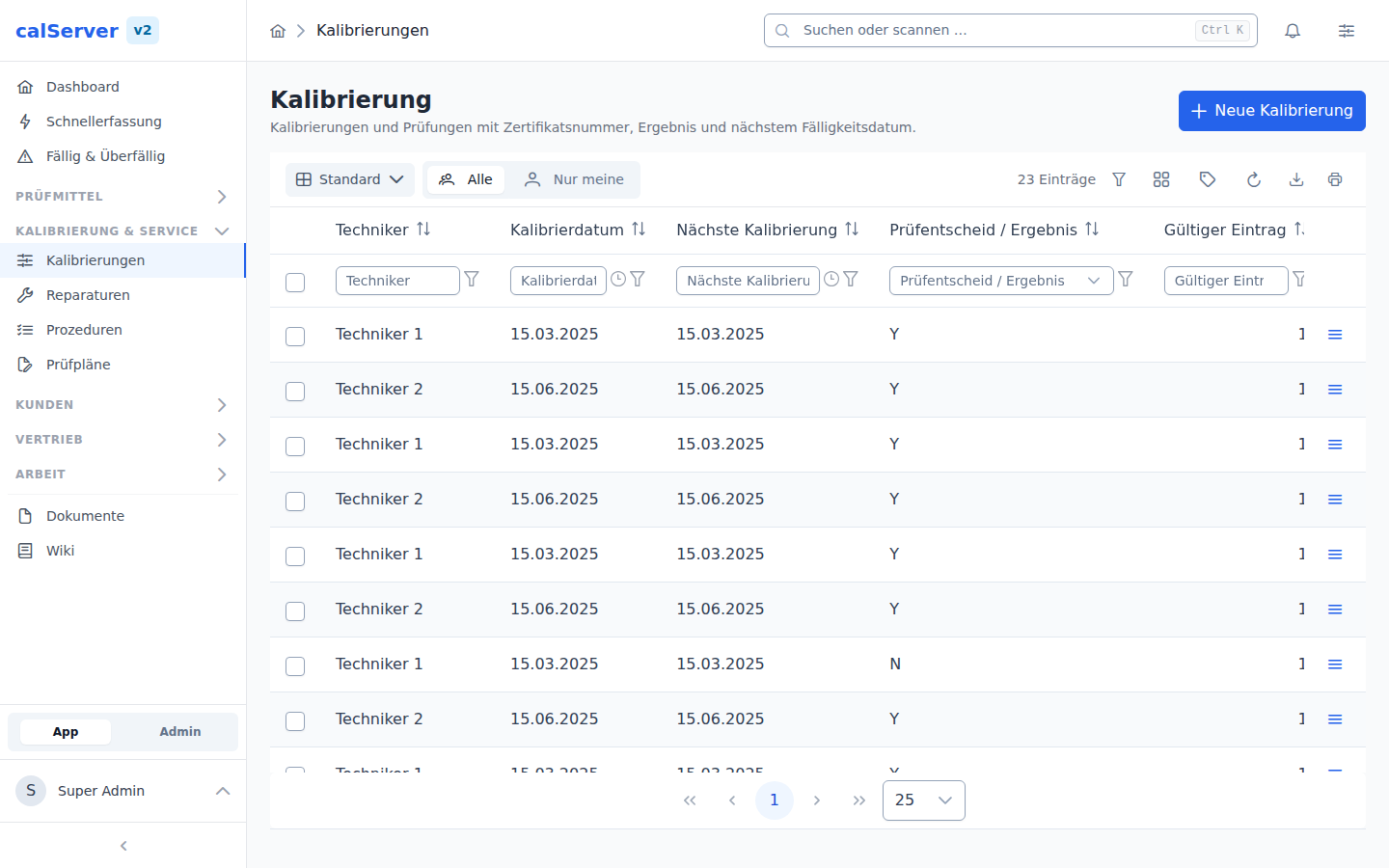
Calibration list — see Calibration List
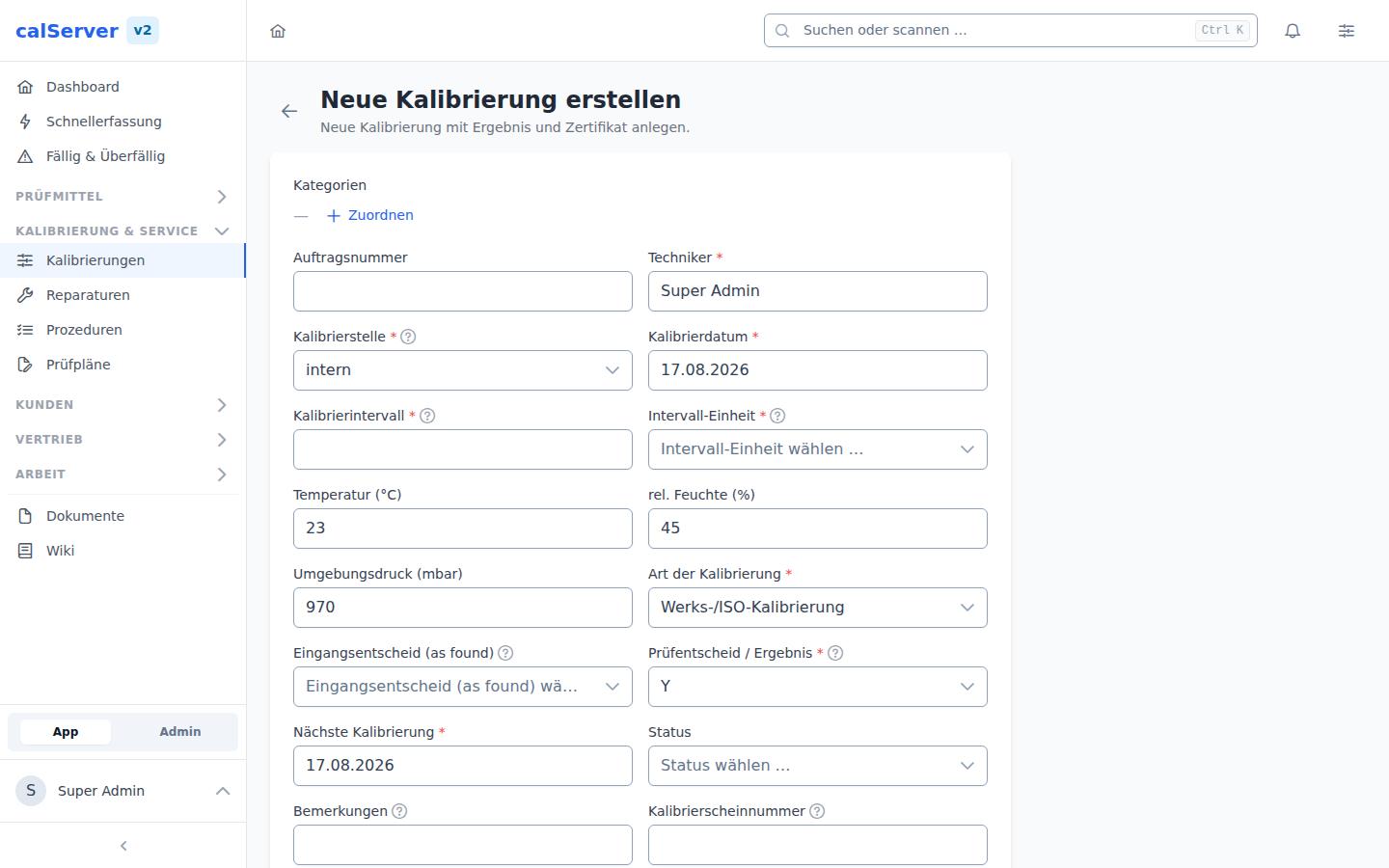
Create calibration — see Create Calibration
Master Data & Documents
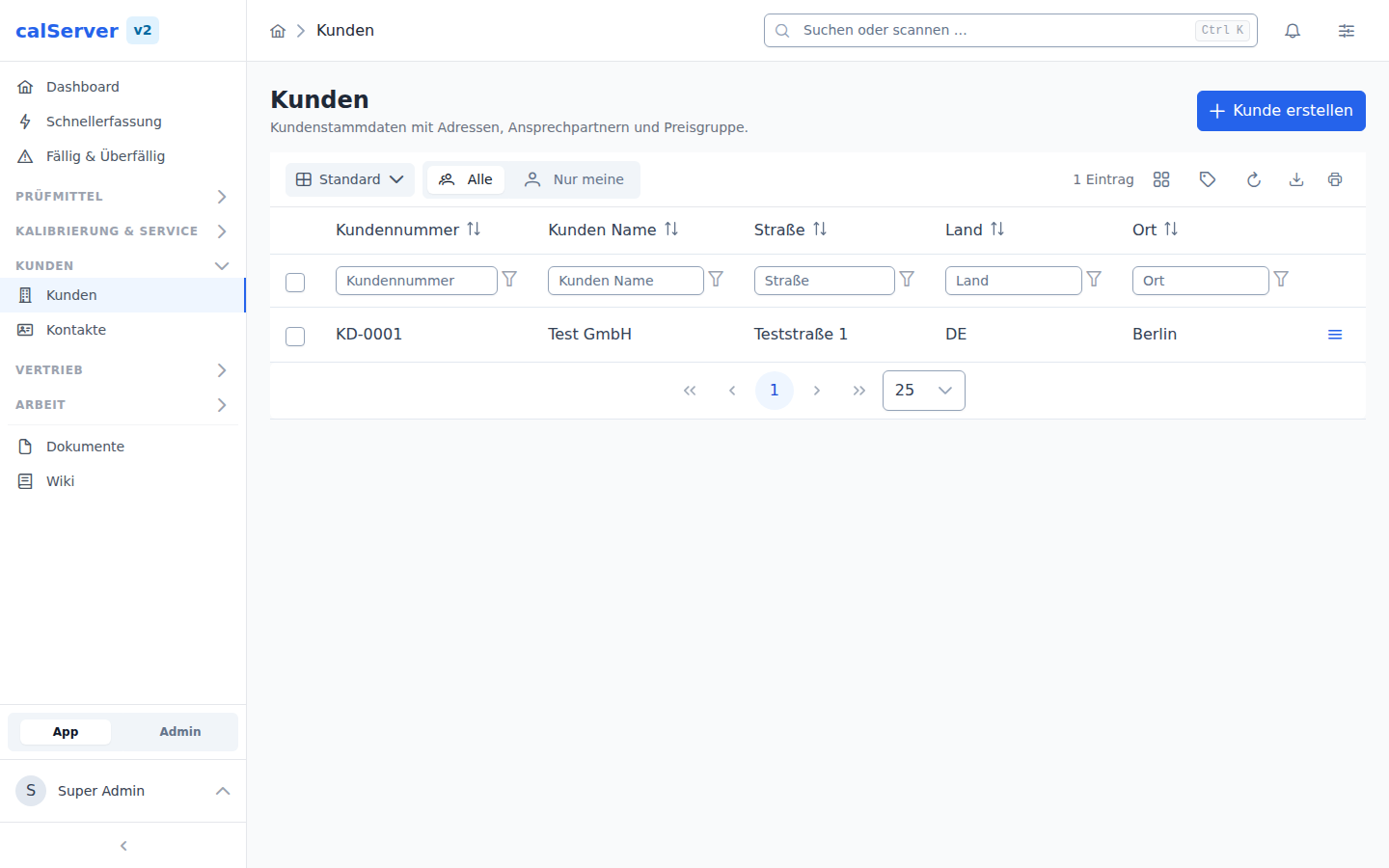
Customers — see Customers
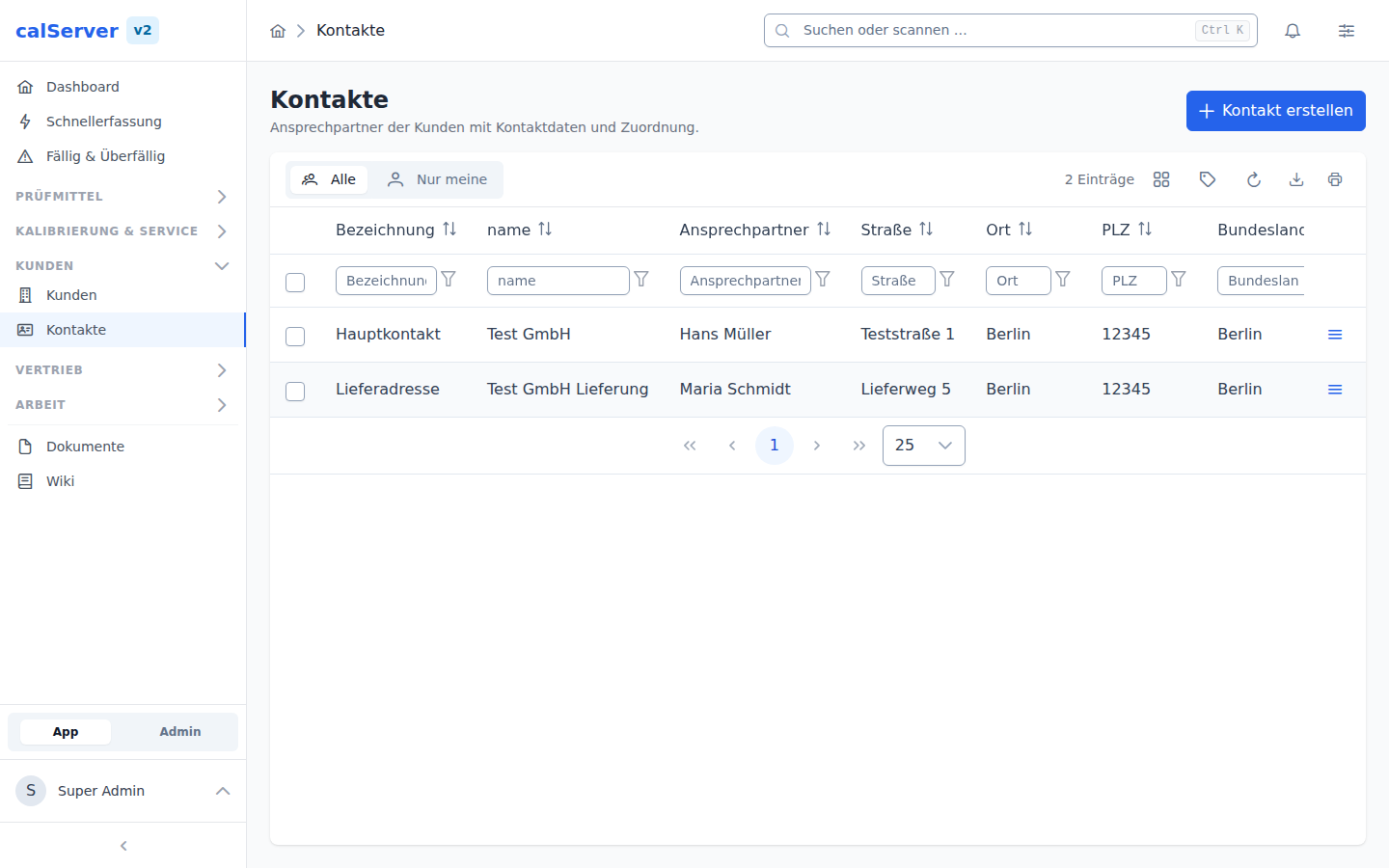
Contacts — see Contacts
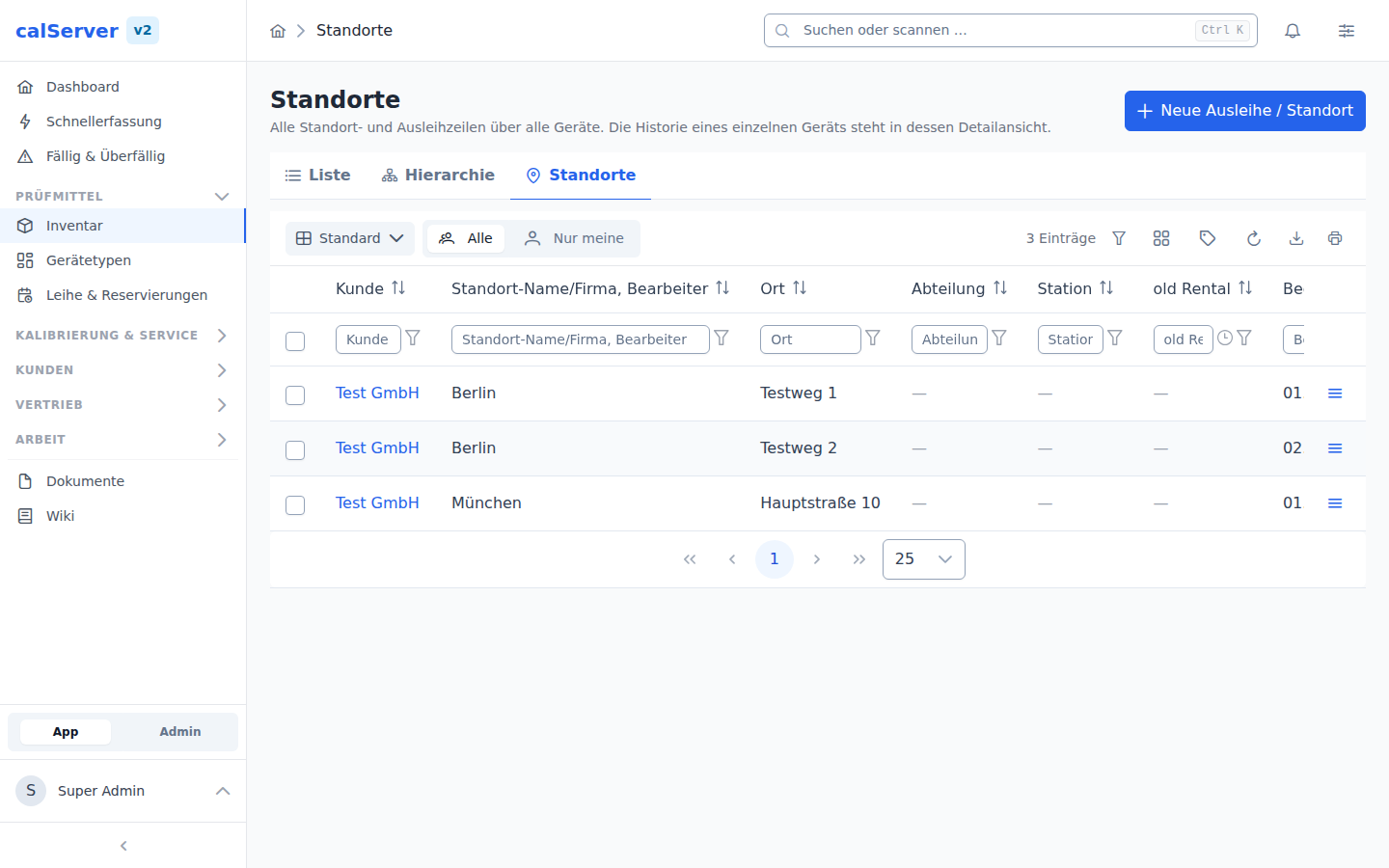
Locations
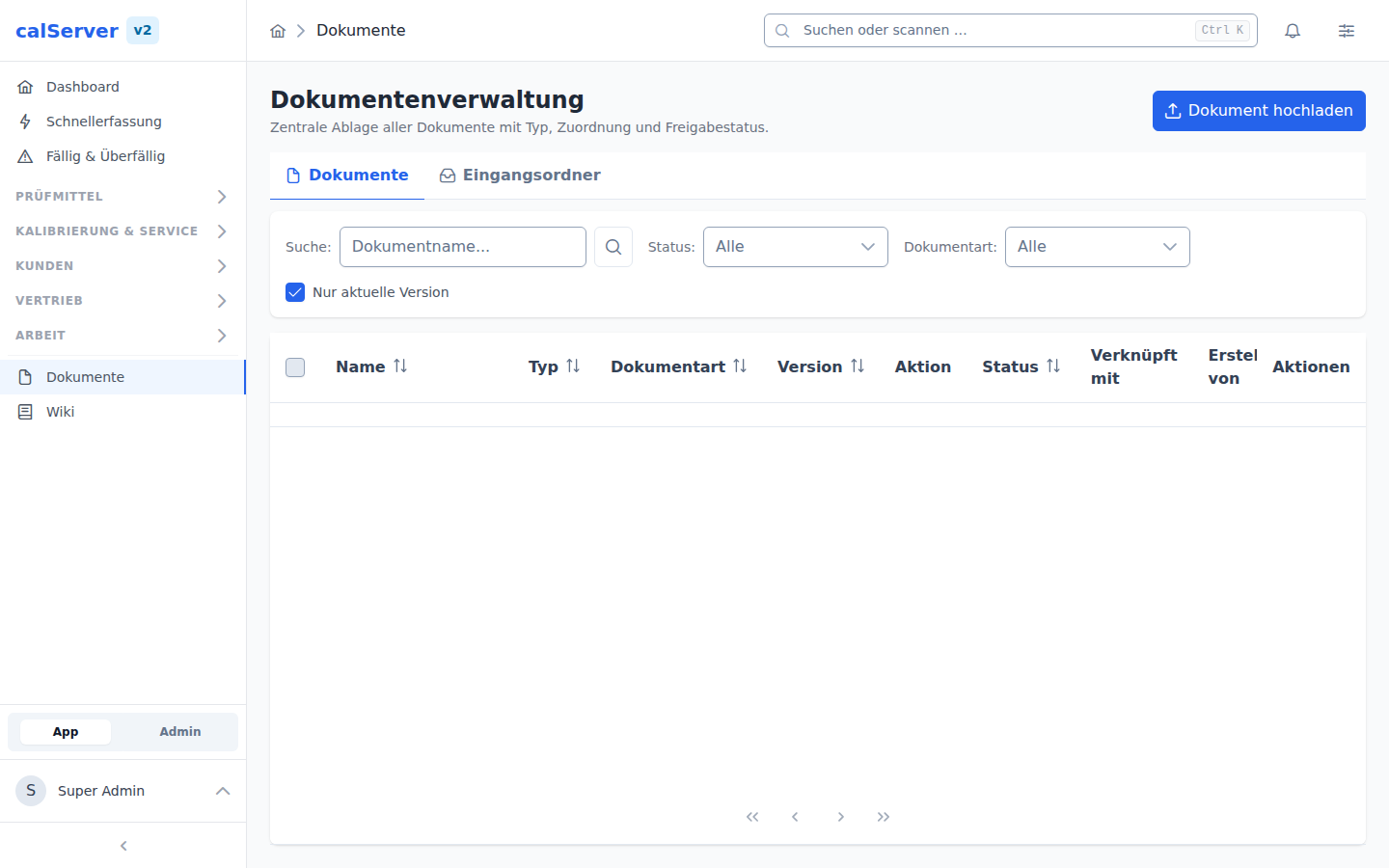
Document management (DMS)
Orders, Maintenance & Support
Maintenance — see Maintenance Overview
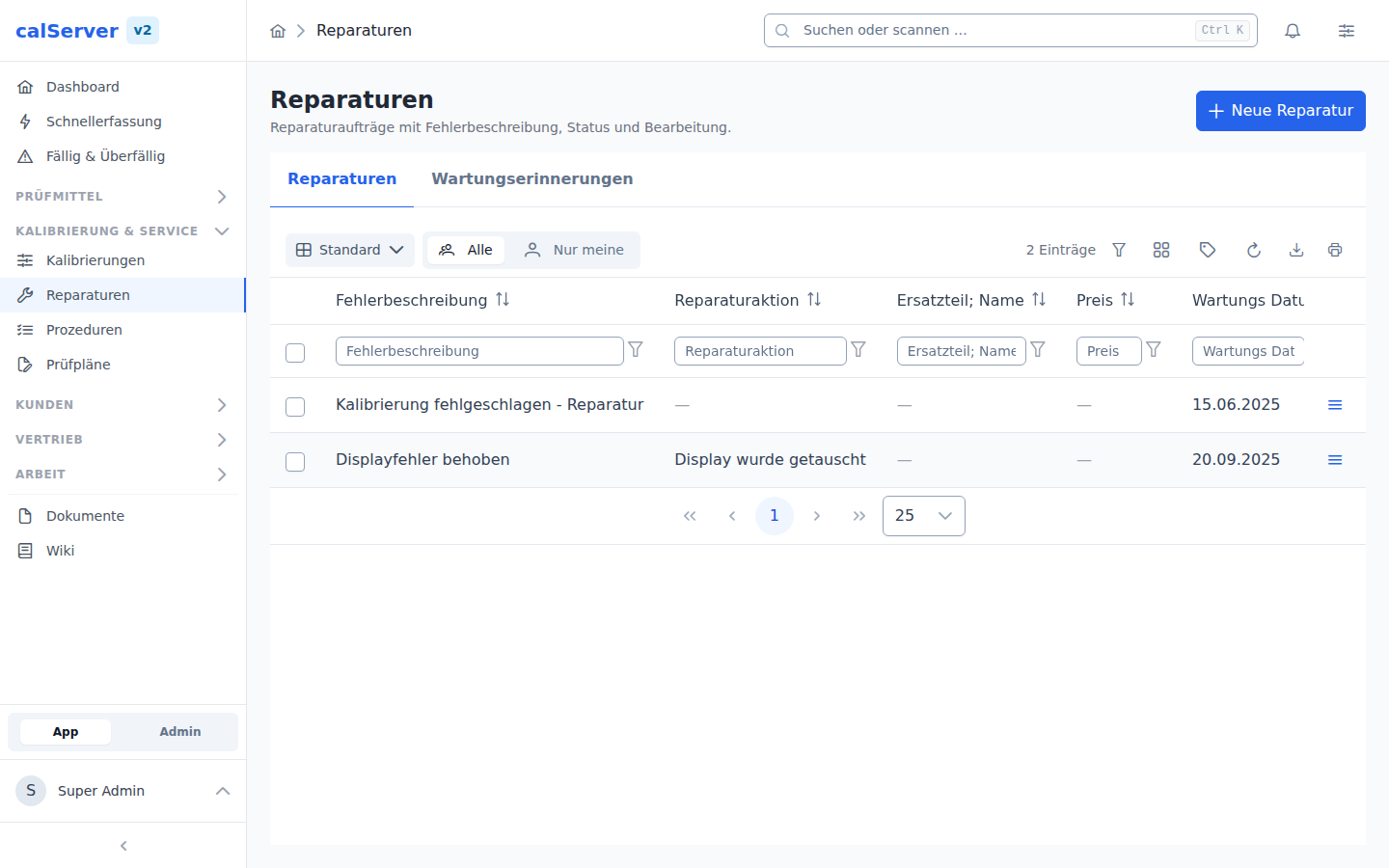
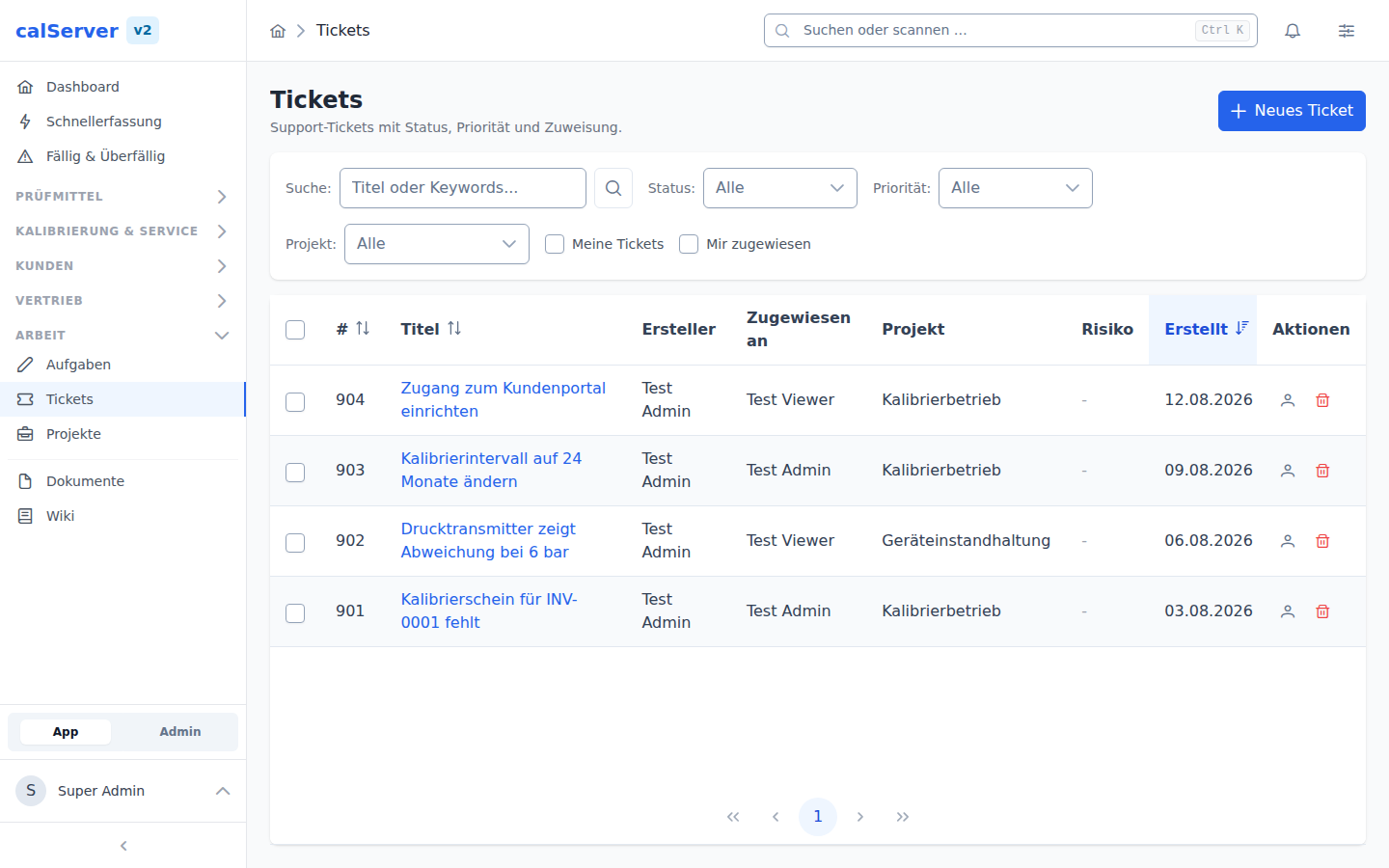
Support tickets — see Support Tickets
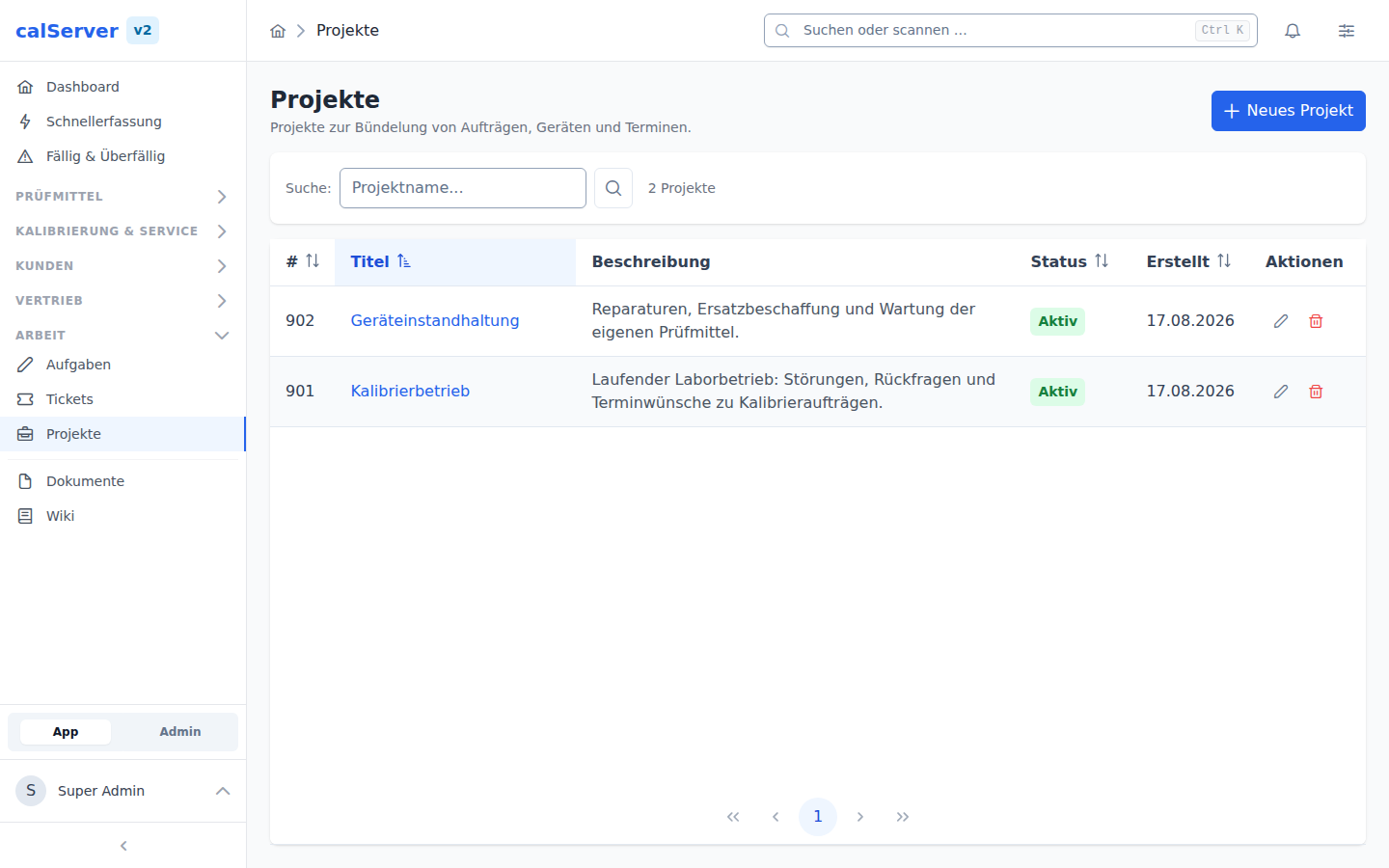
Projects — see Projects
Administration
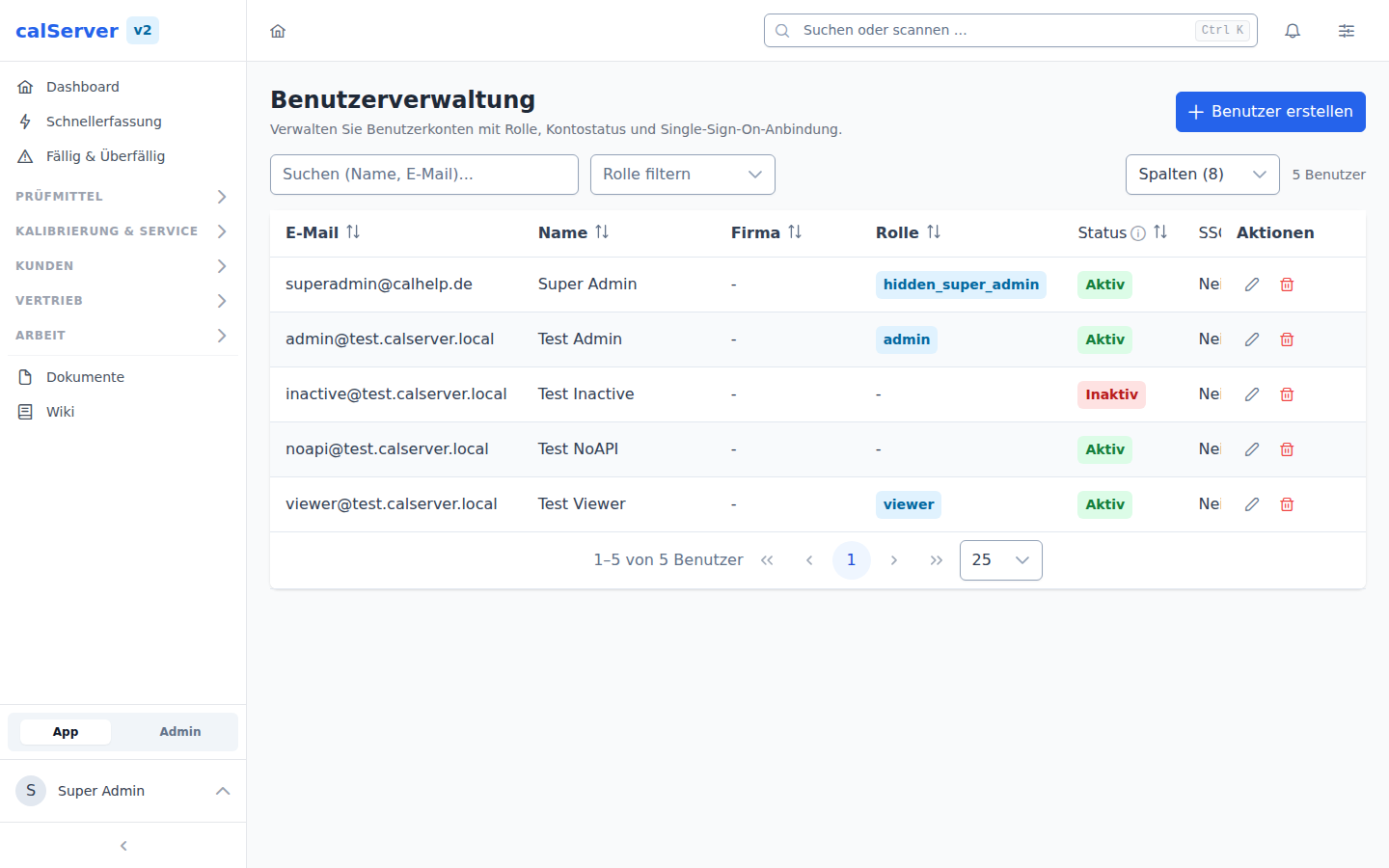
User management
Roles & permissions
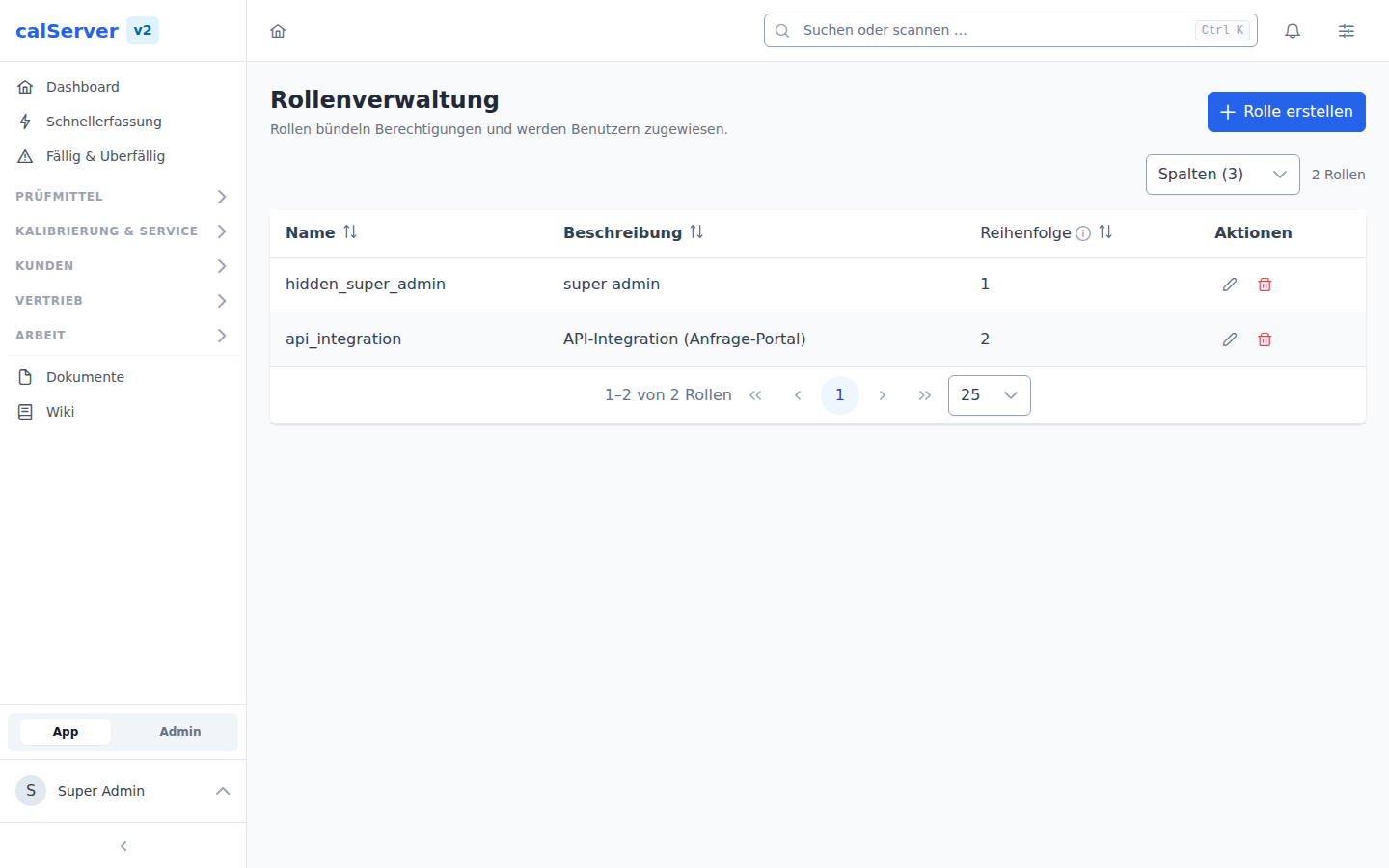
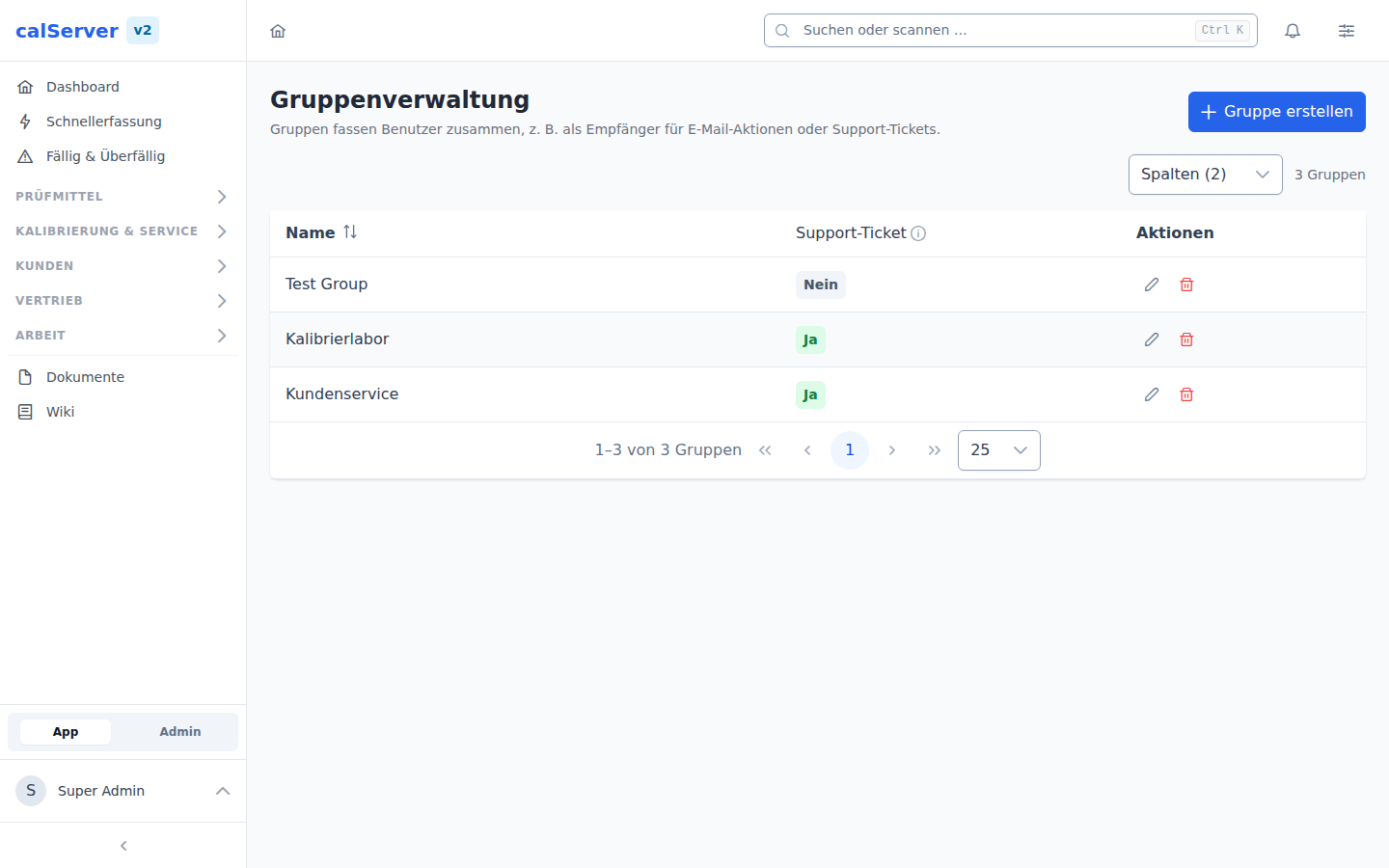
Groups
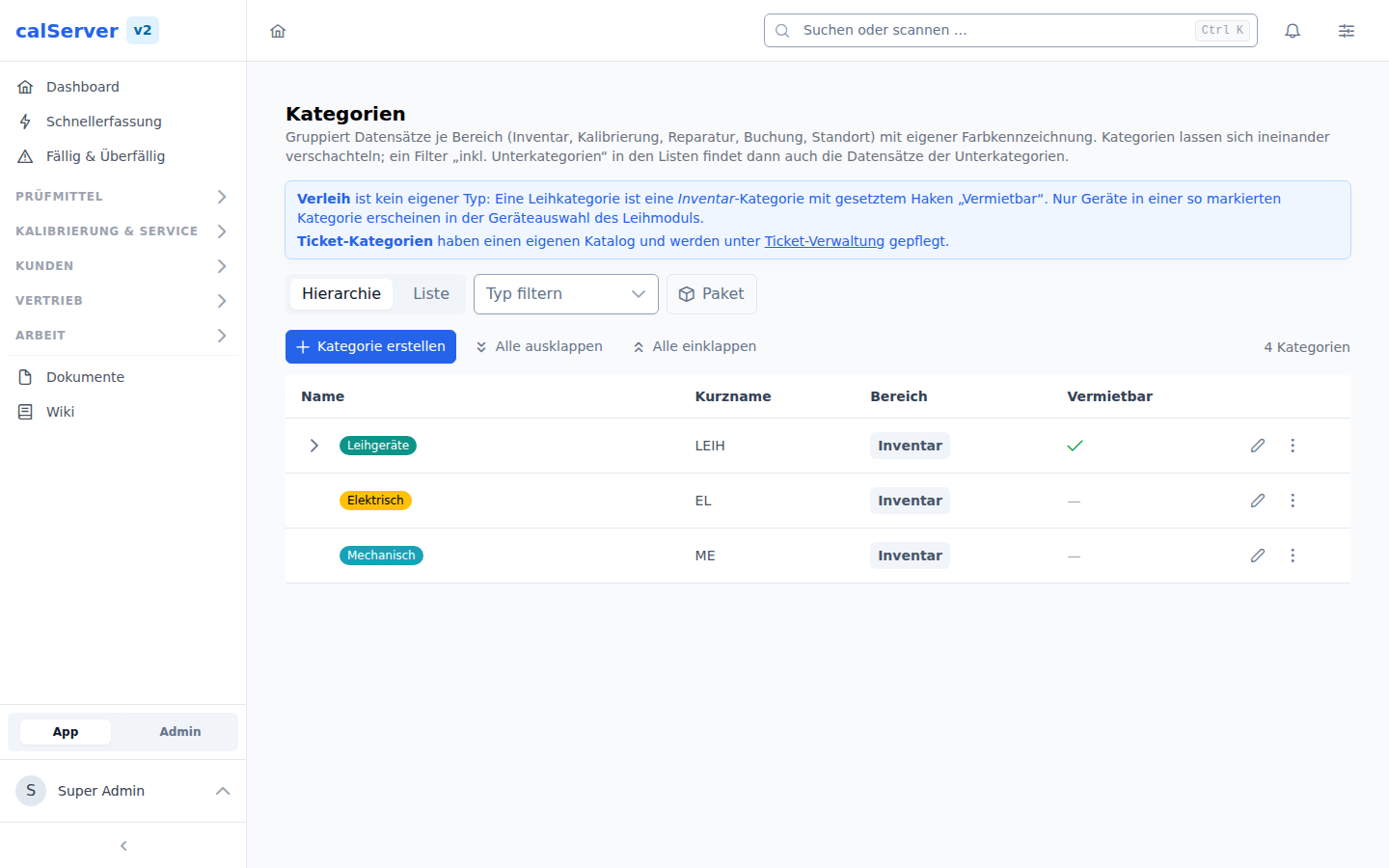
Categories
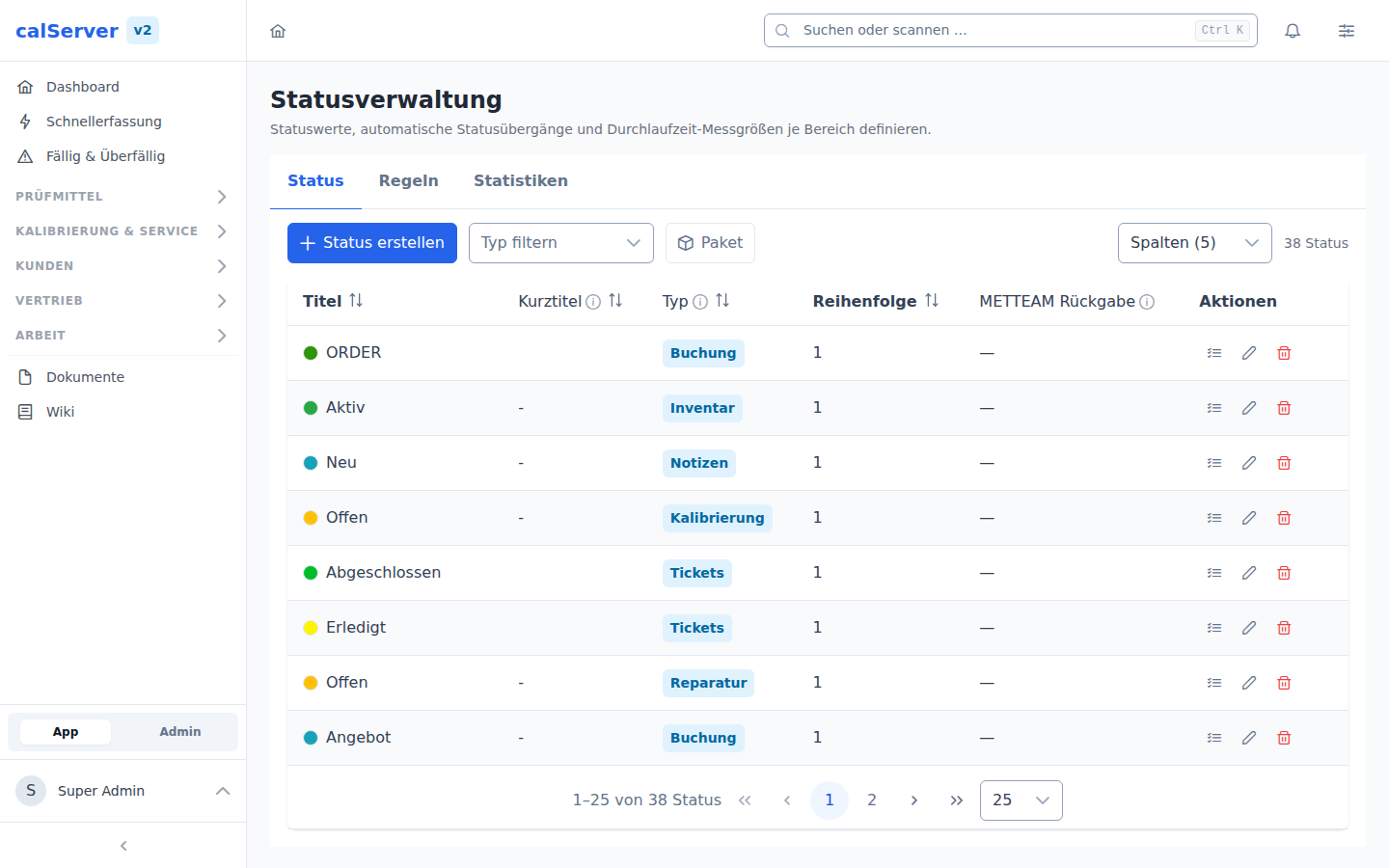
Status management
Field configuration

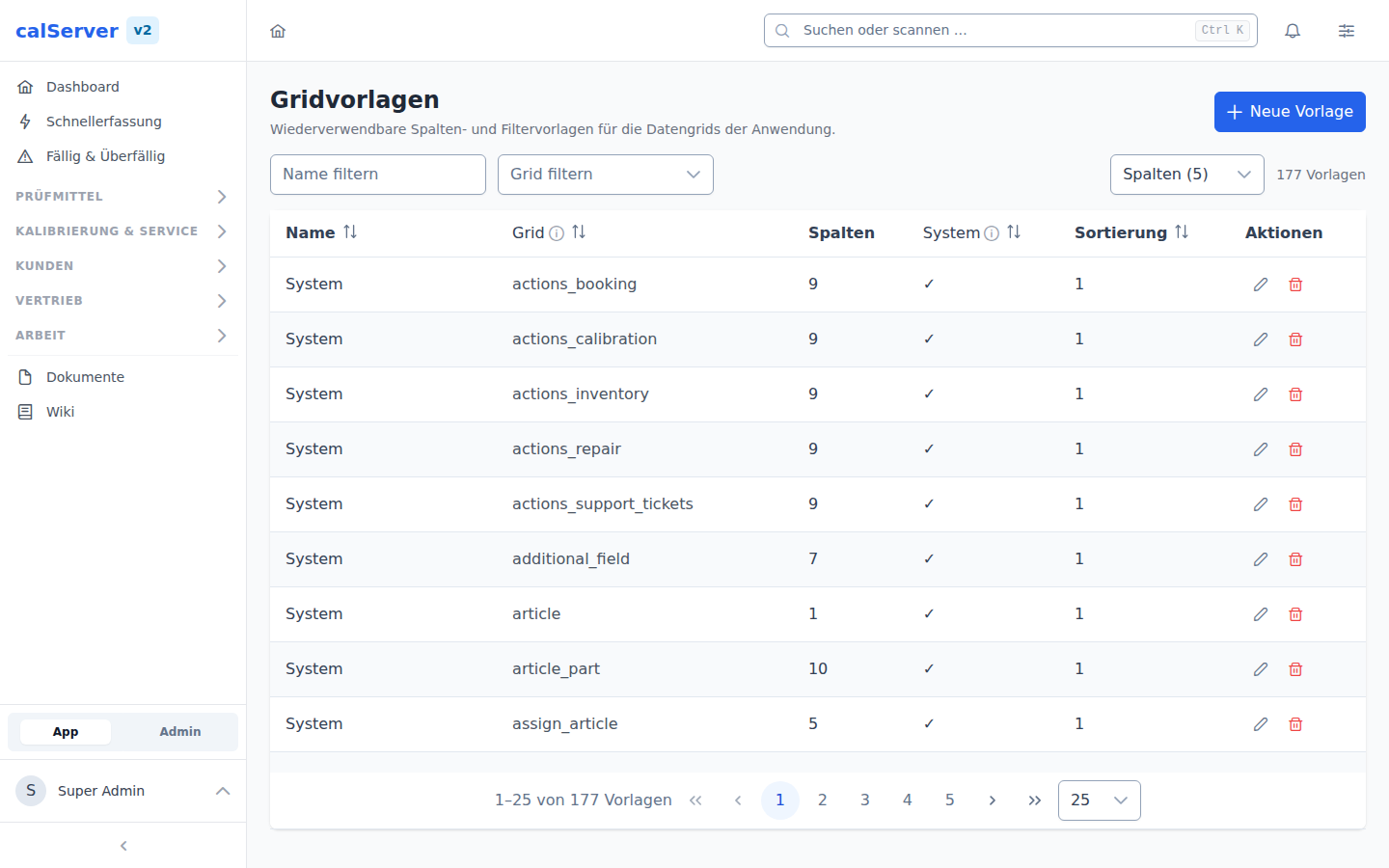
Grid templates
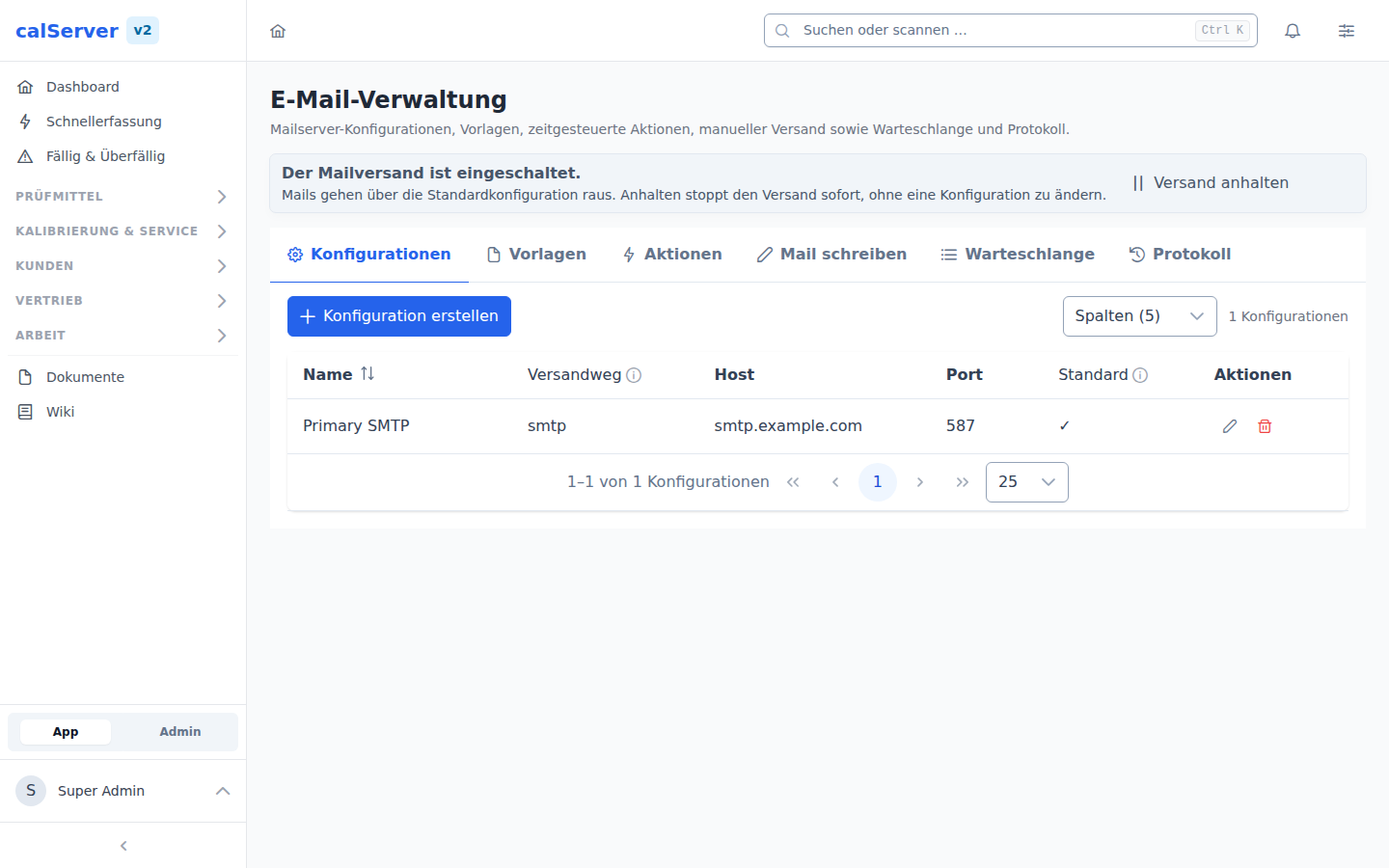
Email management
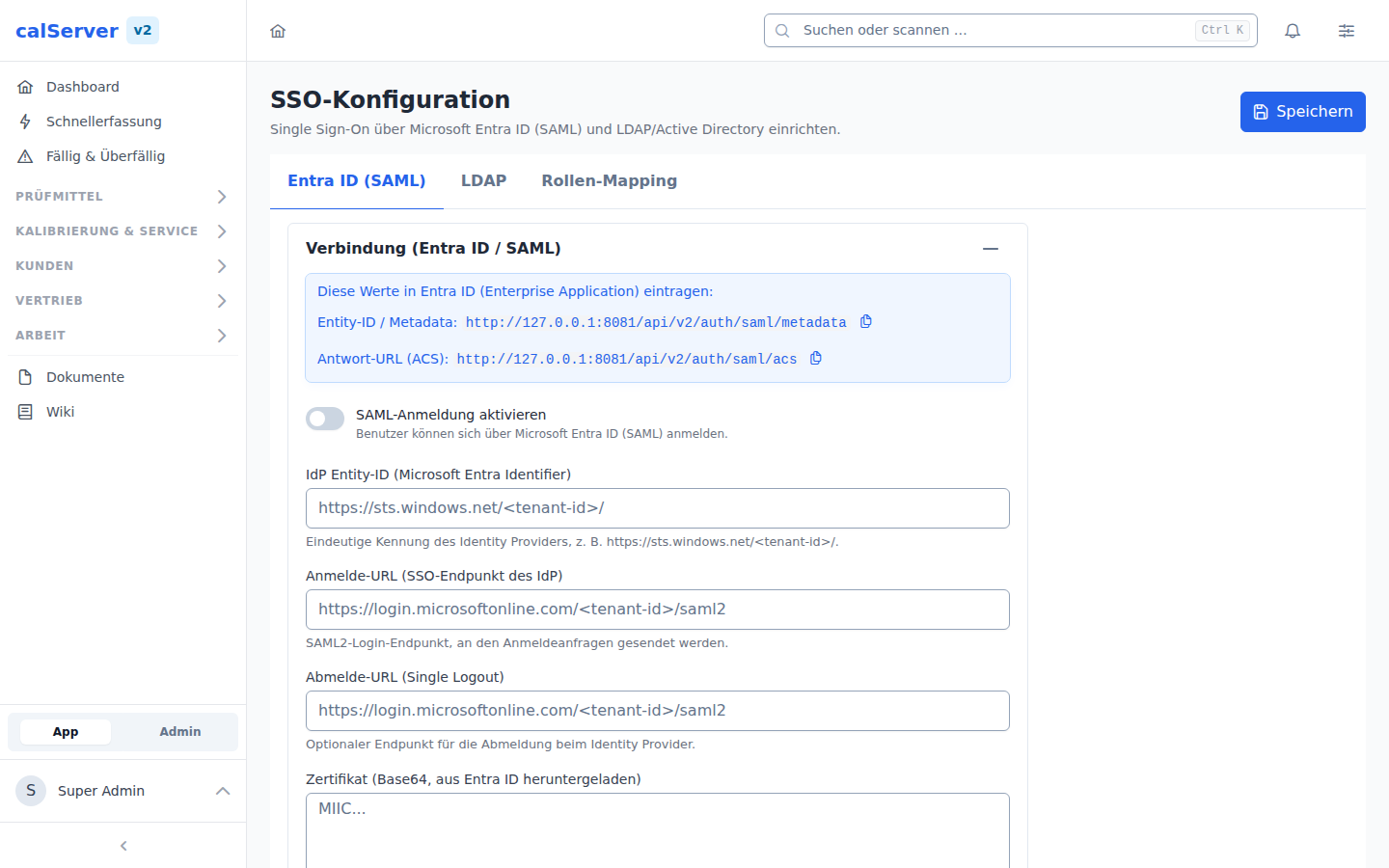
SSO configuration
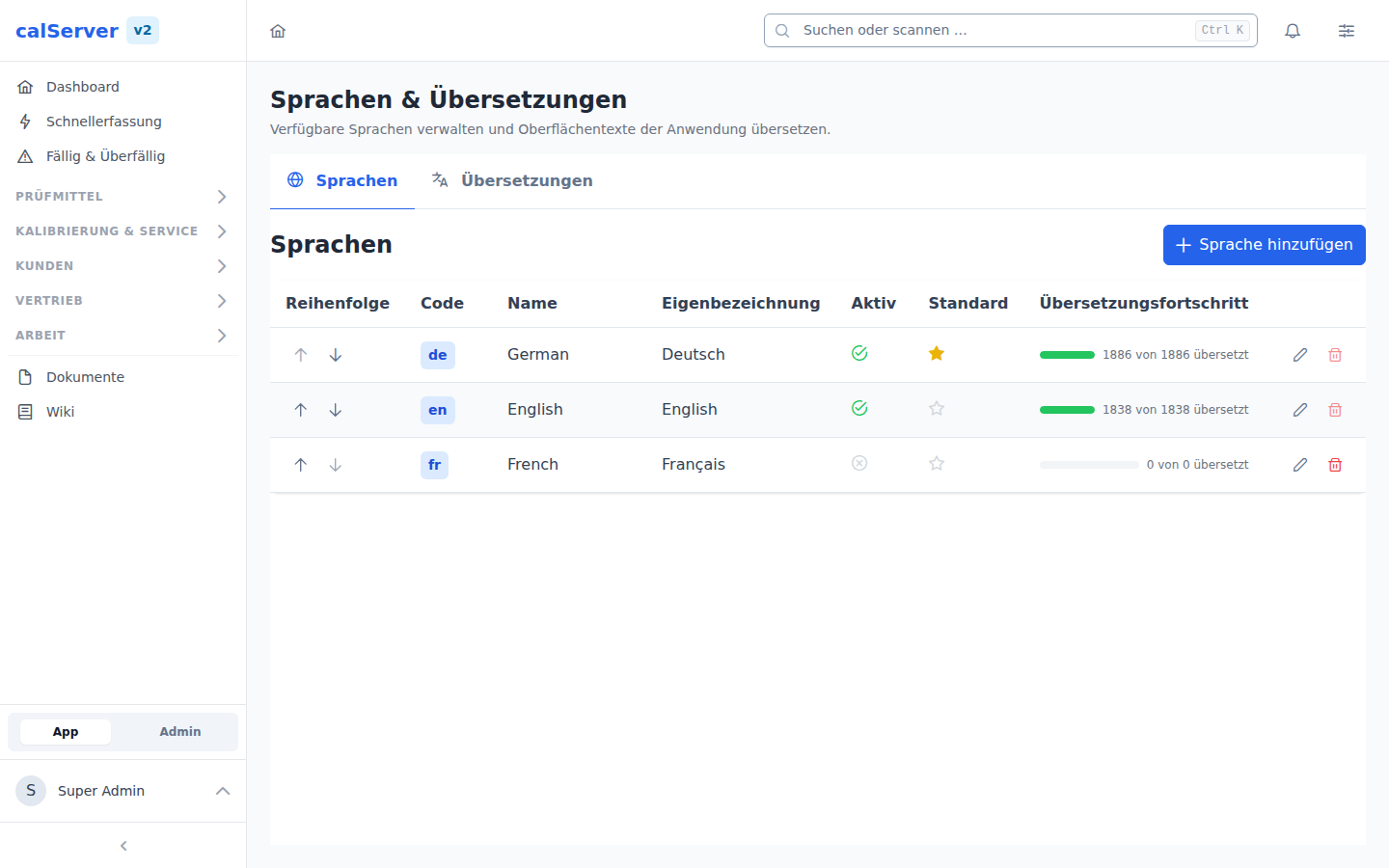
Language management
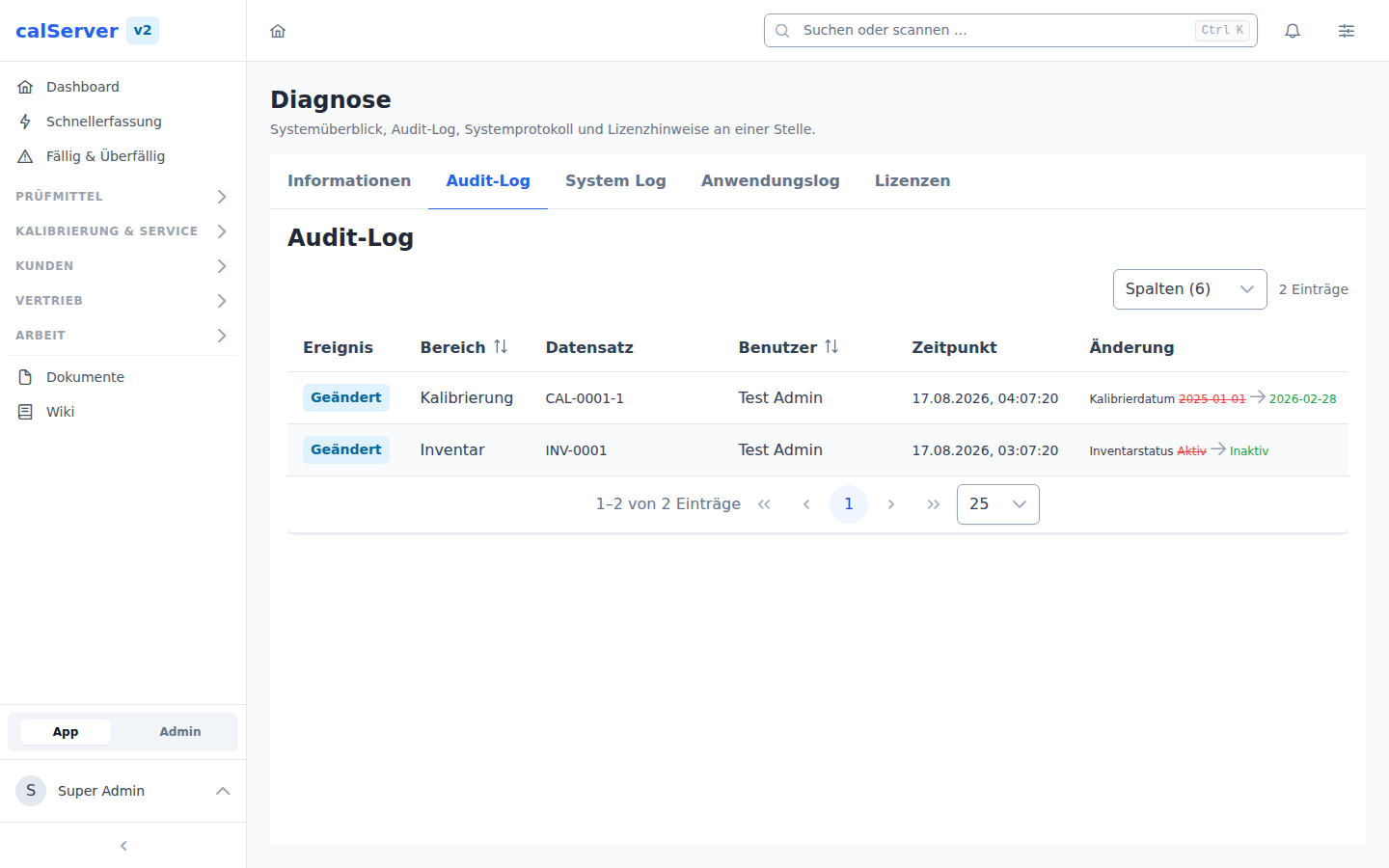
Audit log
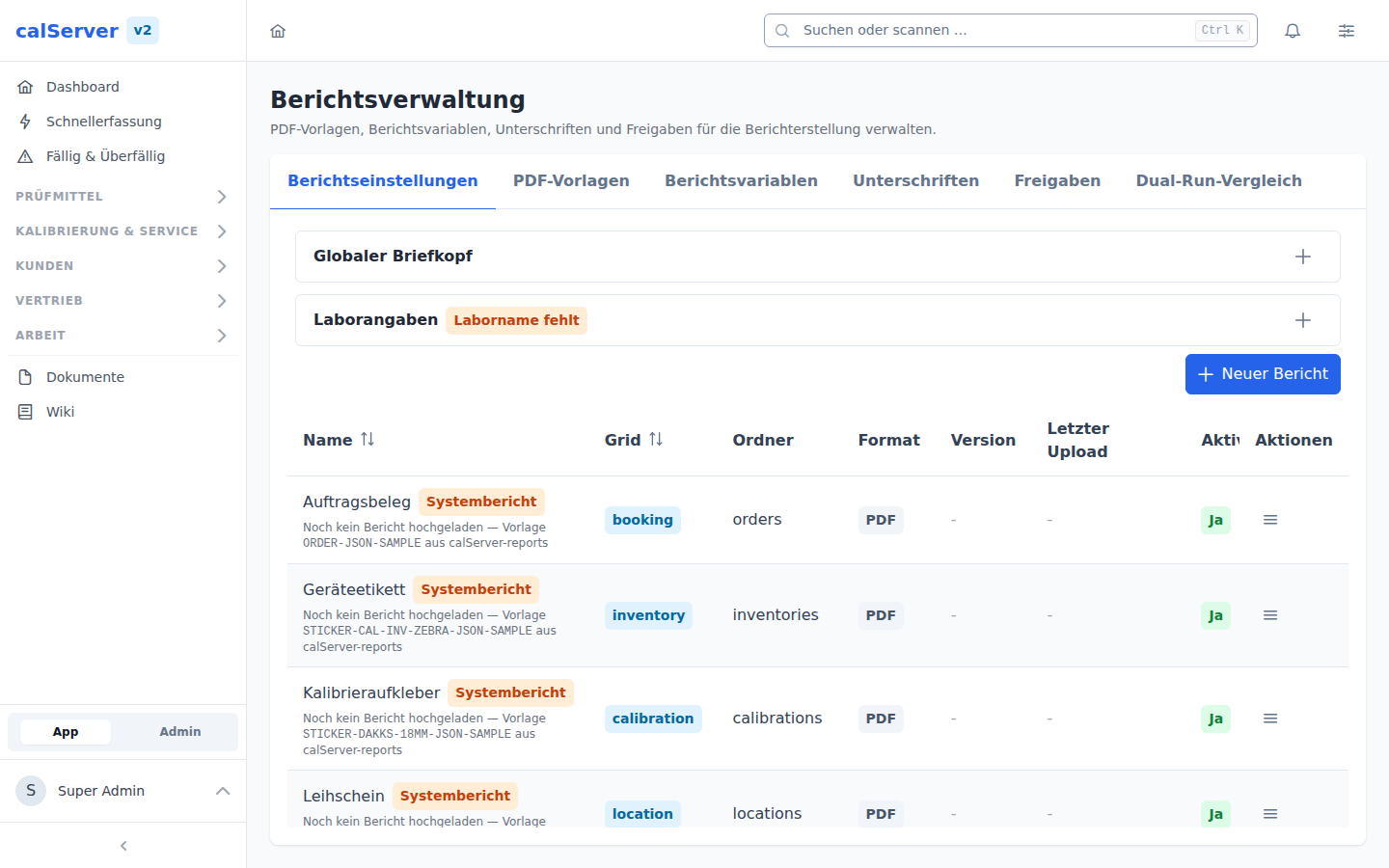
Report settings
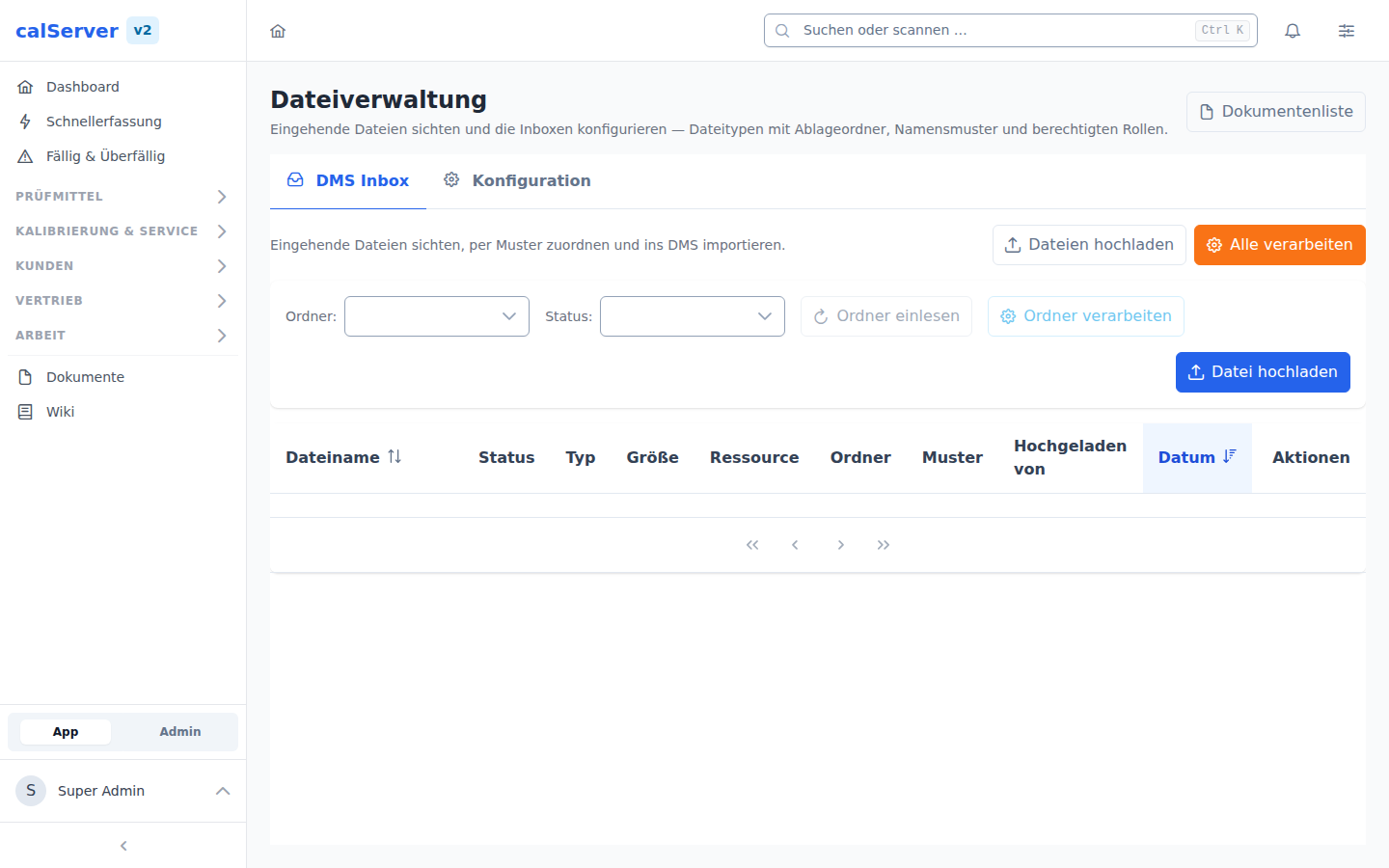
File administration
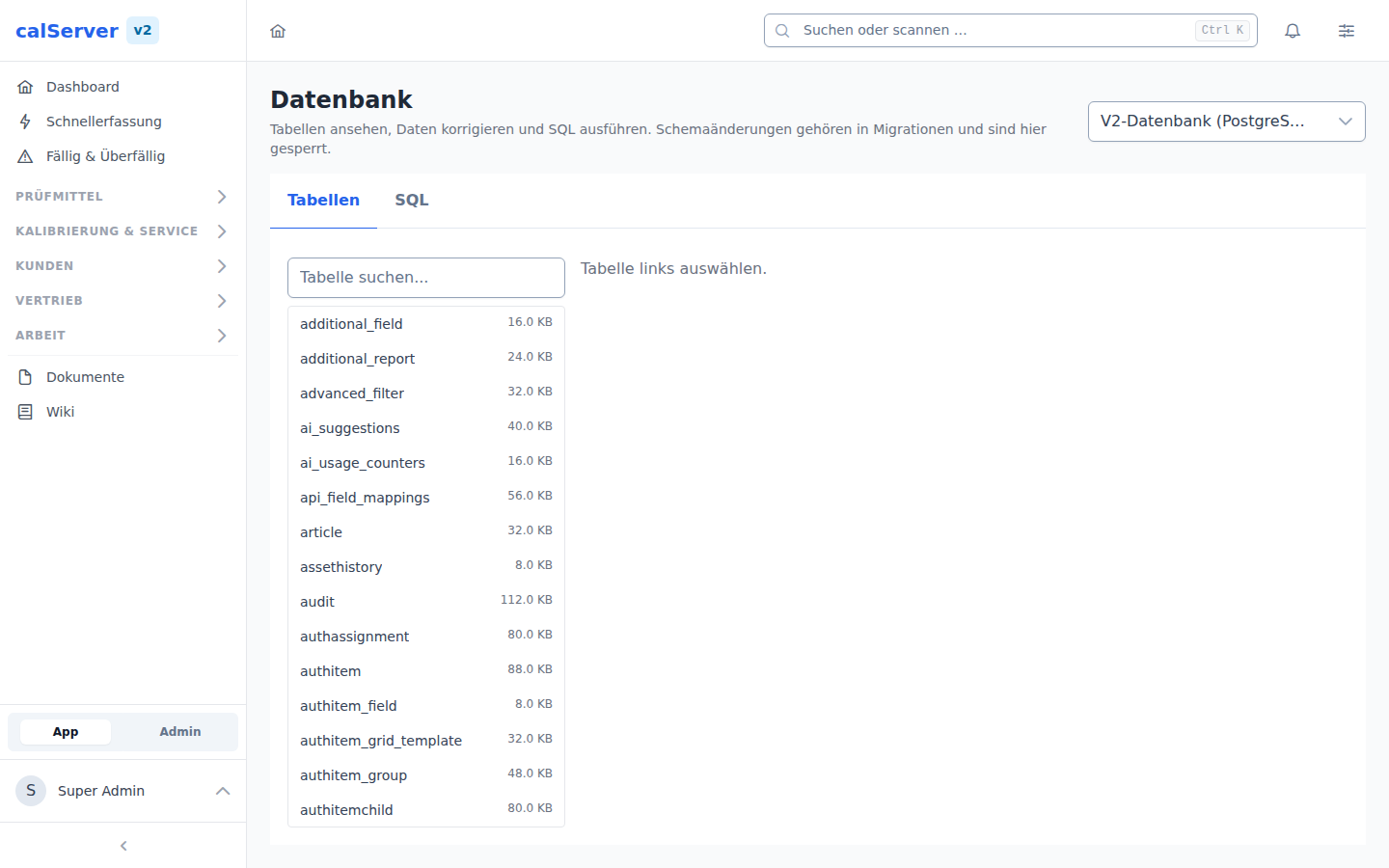
Database administration
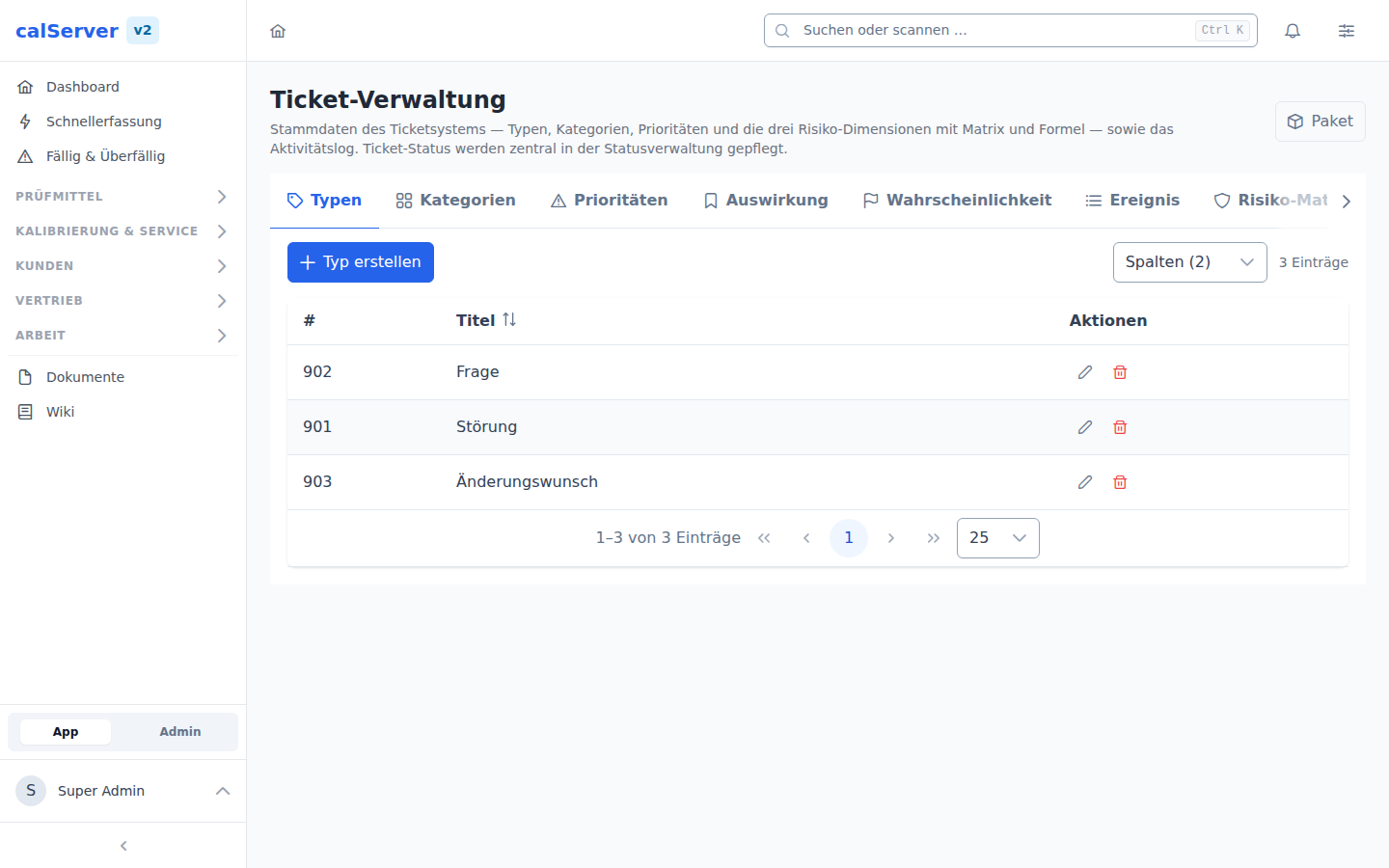
Ticket administration