Grid Templates
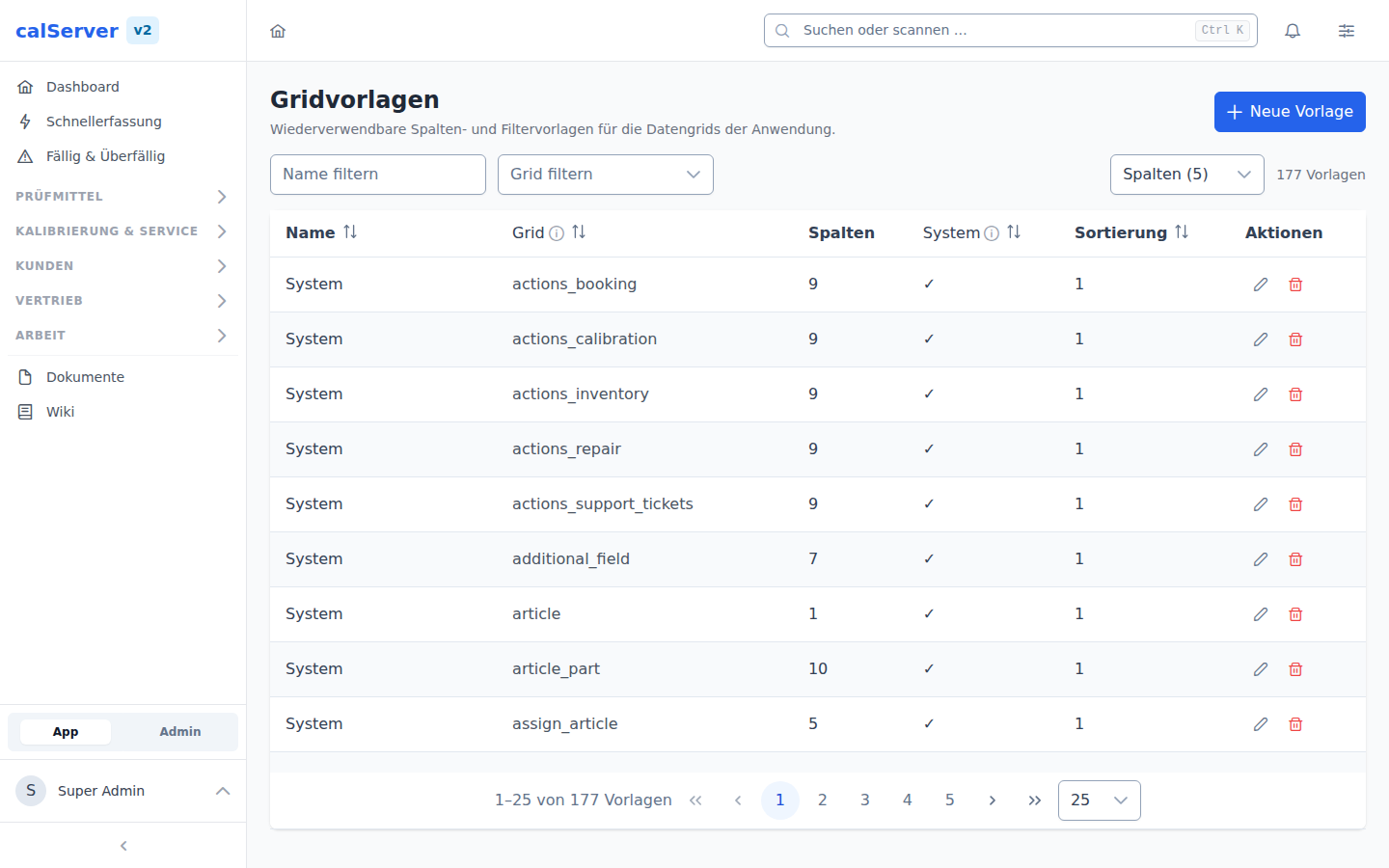
Under Administration > Grid Templates (/v2/admin/grid-templates), default column templates for the TableMaster data grids are managed.
Concept
Grid templates define the default column view for users:
- Which columns are visible by default
- The order of columns
- Column widths
- Default sorting
Template Assignment
Templates are assigned to roles:
- Each role can receive one template per resource
- Users initially see the template of their role
- Individual customizations override the template
Saving your own views — the permission behind it
Saving your own column selection as a template ("Save current view…" in the view
switcher, "Save as new view" in the change bar) requires the
grid_template_saveas operation ("Save Own Field Settings as Template").
Without it the grid stays fully usable: picking columns, applying your role's templates and resetting to them still works — only no personal templates can be created, and the two buttons are hidden.
On upgrade
Until now the function was open to every logged-in user. The migration
therefore grants grid_template_saveas to all existing roles — an
upgrade takes nothing away. To restrict it, remove it under
Administration > Roles where it does not belong.
Create Template
- Navigate to Administration > Grid Templates
- Click New Template
- Select the Resource (Inventory, Calibration, etc.)
- Configure the Columns: visibility, order, width
- Define the Default Sorting
- Save
Edit Template
In the detail view (/v2/admin/grid-templates/[id]):
- Sort columns via drag-and-drop
- Show/hide columns via checkbox
- Adjust column widths
- Set sorting
Role assignment
After creating a template, it must be assigned to the desired role under Administration > Roles.
How the grid displays templates
The pickers in the grid (toolbar select and the Configure columns dialog) label templates differently from this admin page:
- A system template simply named
System— the name every shipped default layout carries from the V1 seed — is shown as Standard there. The "System" group header resp. the "(System)" suffix already says where it comes from; the name would only repeat that word. - Several system templates with the same name for the same grid collapse into a
single entry. That happens when a grid is maintained under both names
(
inventoryfrom V1 andinventoriesfrom V2), or whenv1:syncimported a V1 template with its own uID next to the shipped one. The survivor is the role default, otherwise the exact grid name match, otherwise the lowestsort_order.
This admin page still lists all rows — it is the only place where duplicate system templates can be spotted and cleaned up.