Integrated Reports
Under Administration > Report Management > Settings > Integrated Reports, you configure the export columns for Excel and PDF exports of the individual modules.
Module Overview
For each module, you separately define which data fields are included in the Excel and PDF export. The configuration is identically structured for each:
| Field | Description |
|---|---|
| Columns for Excel File Export | Selection of fields output during Excel export. |
| Columns for export PDF | Selection of fields output during PDF export. |
Available Modules
Inventory
Definition of export columns for inventory data. Typical fields: Status, last calibration, due date, device description.
Calibrations
Configuration of export columns for calibration data, e.g., measurement values, certificate information, inspection notes.
Maintenance Overview

Definition of export columns for maintenance data, e.g., for audits, inspection reports, or management overviews.
Orders
Configuration of order data export columns, e.g., order number, customer, status, comment.
Location
Export columns for location and site data.
Customer
Export columns for customer data, e.g., customer number, name, contact information.
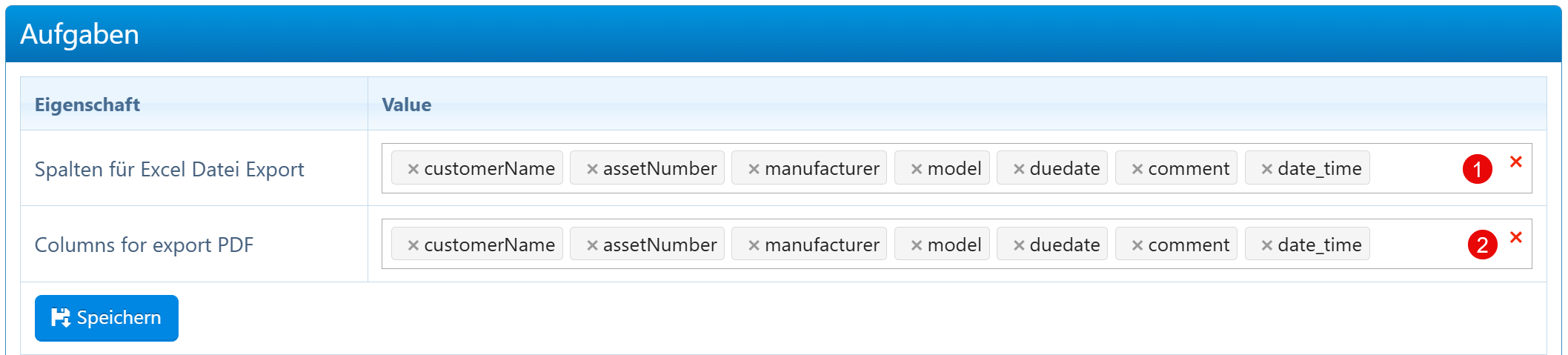
Tasks
Export columns for task data, e.g., customer, devices, due date, comment.
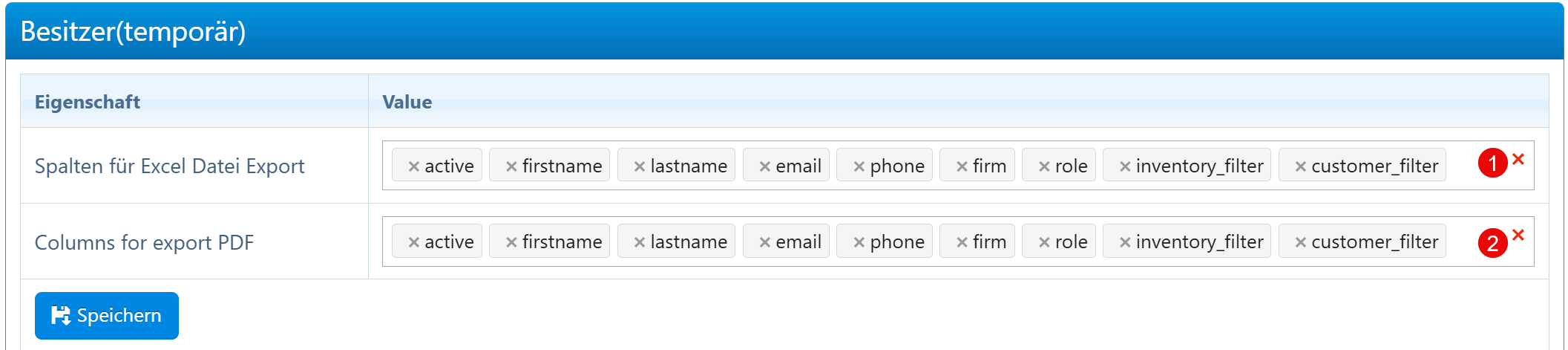
Owner (temporary)
Export columns for temporary owner data, e.g., for handover protocols and loan receipts.
DMS
Export columns for document information from the Document Management System.
Notes
- The order of selected fields affects the column arrangement in the export file.
- Excel and PDF exports can use different field sets.
- New fields added to the respective module can be subsequently included in the export configuration.
- Export only the actually needed fields to meet data protection requirements.