EmonCMS
Under Administration > Settings > Extensions > EmonCMS you configure the connection to an external EmonCMS system for capturing and analyzing energy and sensor data.
Configuration
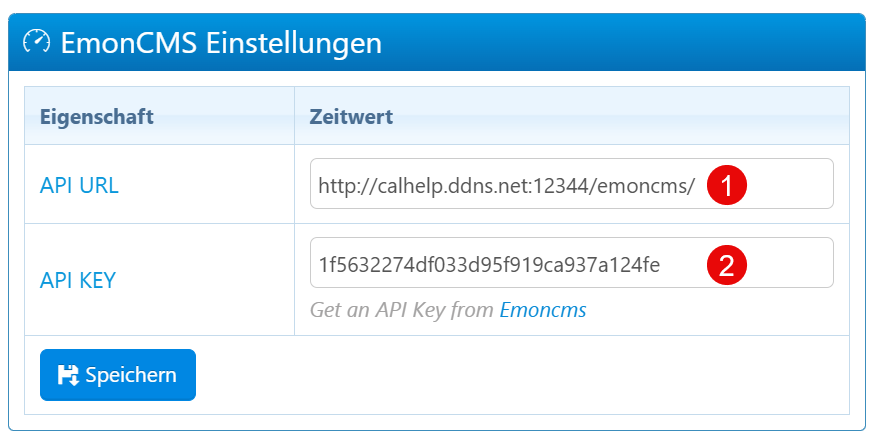
| Field | Description |
|---|---|
| API URL | URL endpoint of the EmonCMS system including port (e.g. http://192.168.1.100:8080/emoncms/). |
| API KEY | Authentication key for accessing the EmonCMS API. |
Setup
- Generate an API key in the EmonCMS interface.
- Enter the API URL and the key in calServer.
- Save the configuration.
- Perform a test connection to verify reachability and validity.
Notes
- The API URL must correctly contain the protocol (http/https), IP address or domain, port, and path.
- The API key should be treated as confidential and renewed regularly.
- In case of communication failures (DNS problems, port blocks), fallback mechanisms should be planned.