Login and Basics
Under Administration > Settings > Login/Basics, the central parameters for login, registration, password security, and SSL are configured.
General
Login Dialog Branding
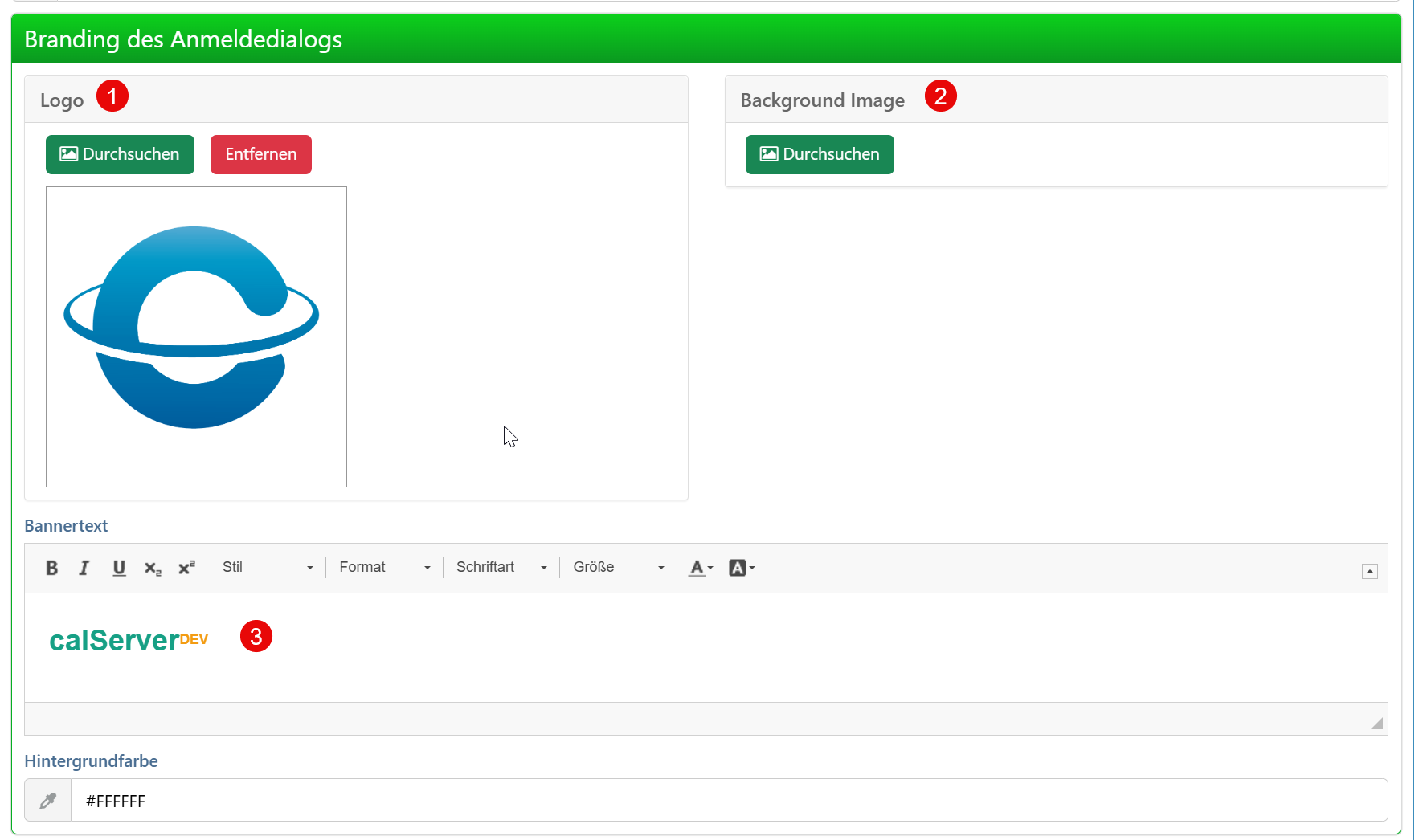
| Field | Description |
|---|---|
| Upload Logo | Logo for the login page. Displayed on the login dialog. |
| Upload Background | Background image for the login page for custom branding. |
| Welcome Text | Text that greets users on the login page. |
Registration
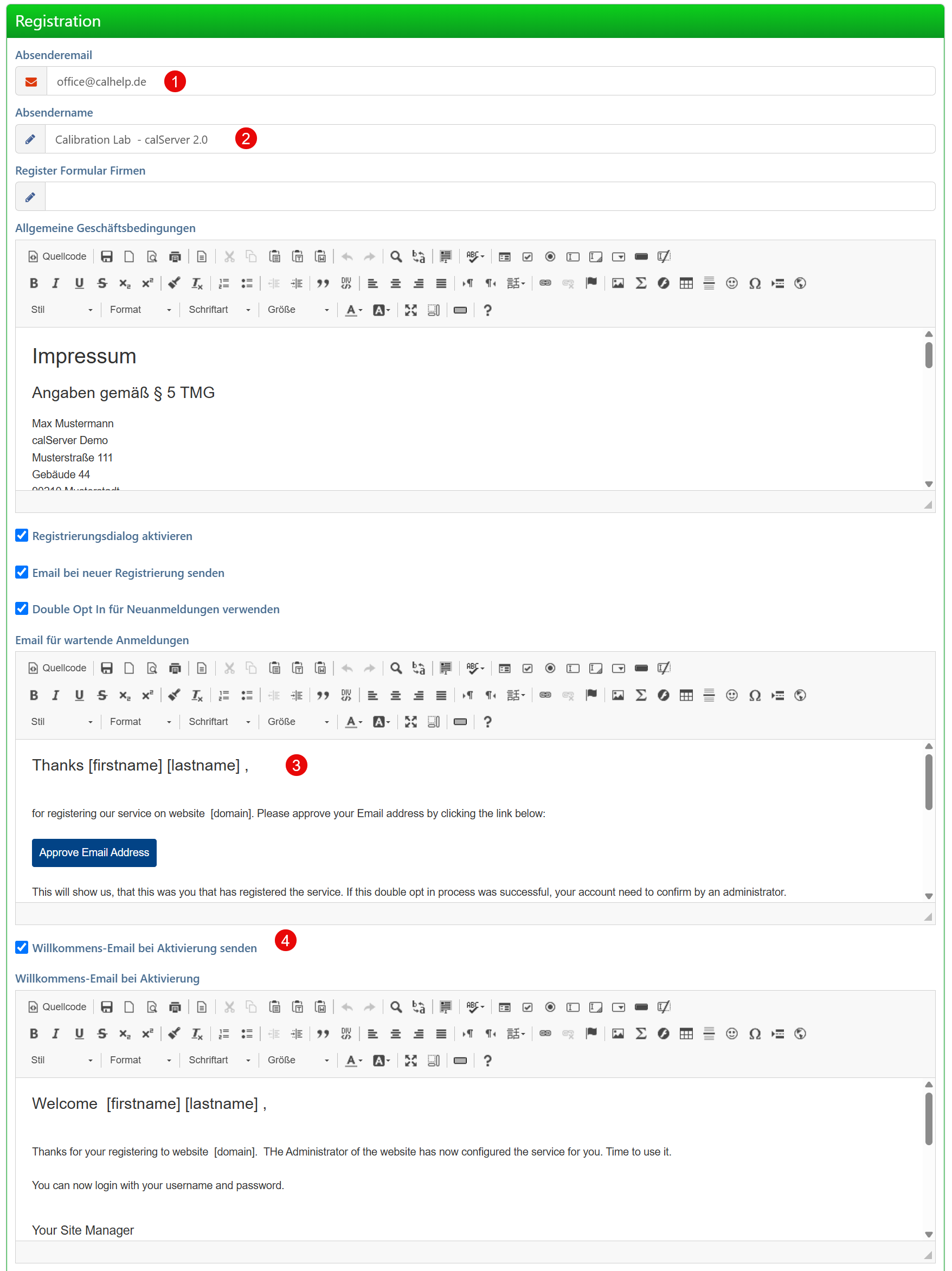
| Field | Description |
|---|---|
| Sender Email | Email address for confirmation and registration emails. |
| Sender Name | Display name of the sender in the registration email. |
| Registration Email | Content of the email sent to new users. |
| Send Activation Link | Controls whether an activation link is sent after registration. |
Report PDF
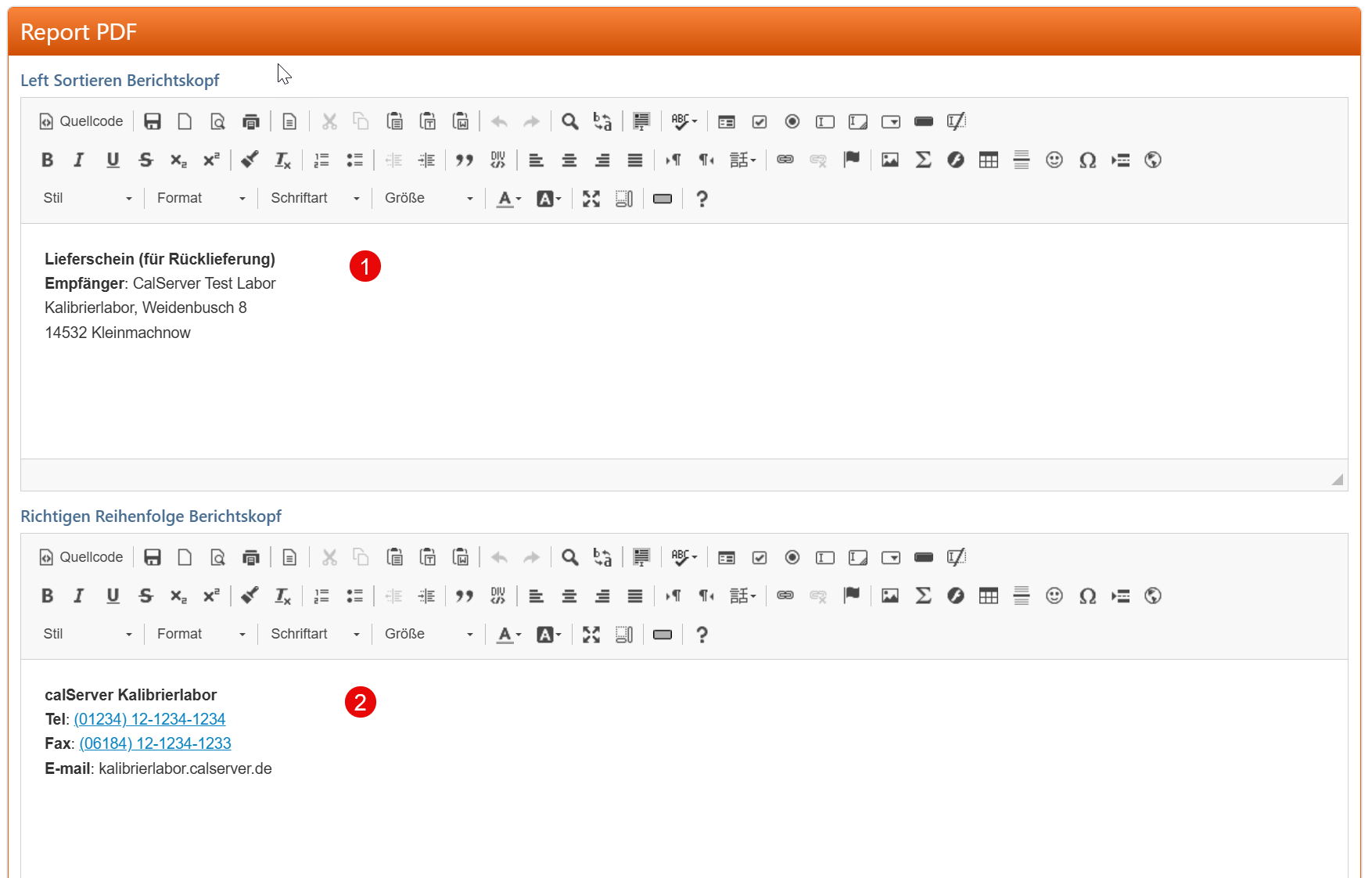
| Field | Description |
|---|---|
| Letterhead for Invoices | Company name and address for the letterhead in PDF reports. |
| Signature Details | Name and contact information for the footer in PDF reports. |
Password Settings
In this section, you define complexity requirements and expiration periods for user passwords.
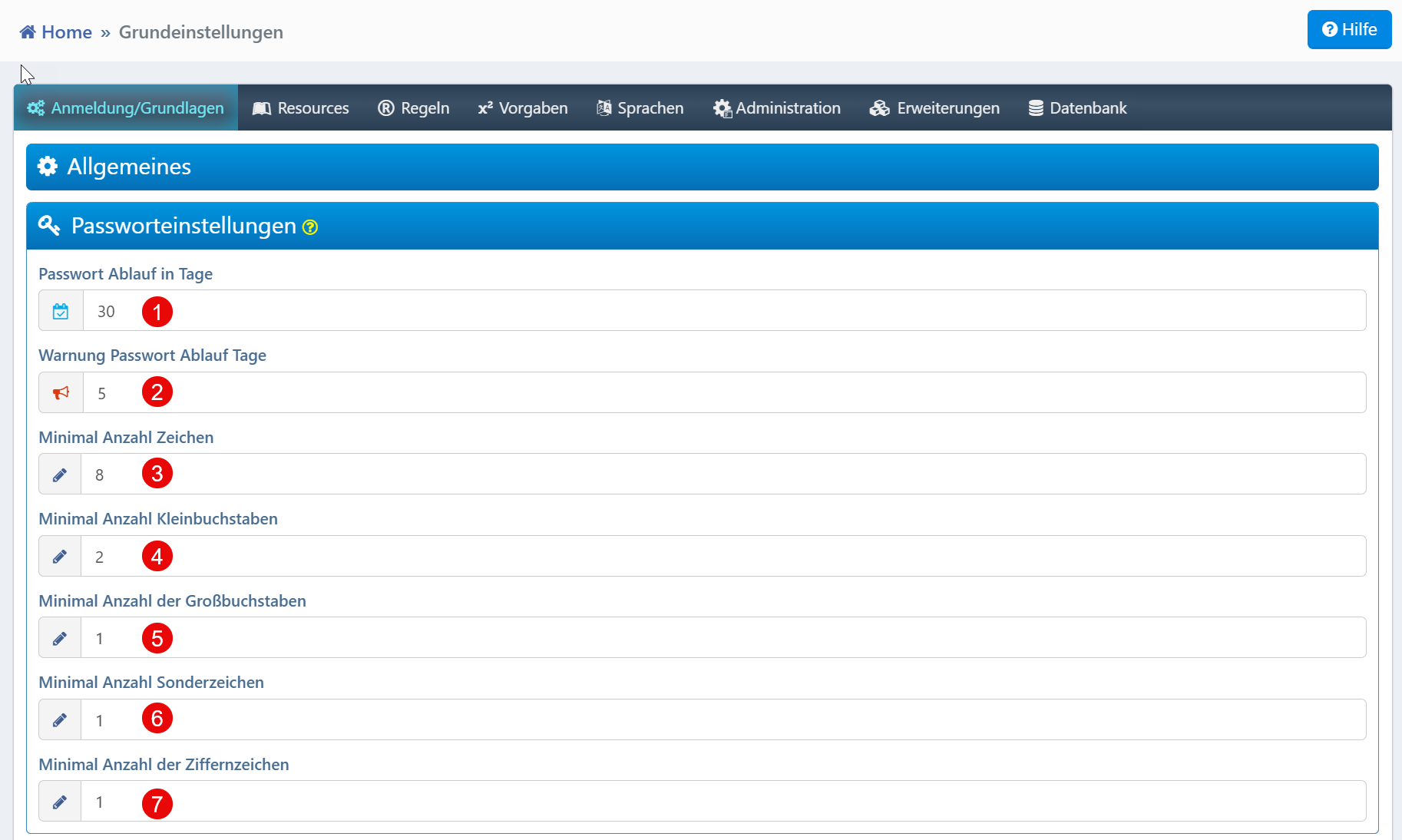
| Field | Description |
|---|---|
| Password Expiry Days | Number of days until the password expires (e.g., 30). |
| Password Expiry Warning Days | Days before expiry at which the user is warned (e.g., 5). |
| Minimum Number of Characters | Minimum password length (e.g., 8). |
| Minimum Number of Lowercase Letters | Required lowercase letters (e.g., 2). |
| Minimum Number of Uppercase Letters | Required uppercase letters (e.g., 1). |
| Minimum Number of Special Characters | Required special characters such as !, @, # (e.g., 1). |
| Minimum Number of Digits | Required digits (e.g., 1). |
Login Security
Here, protection mechanisms against automated attacks and unauthorized access are configured.
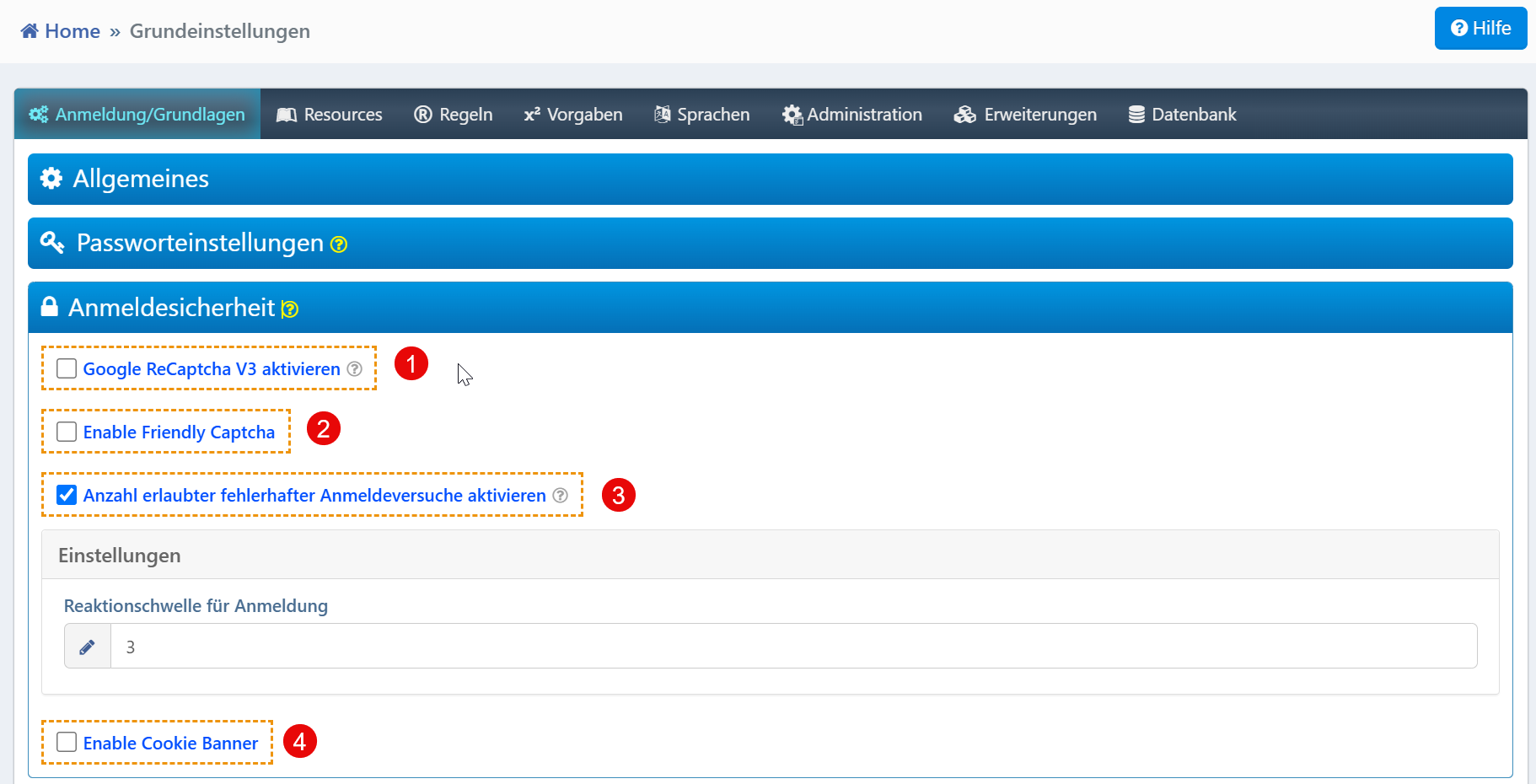
| Field | Description |
|---|---|
| Enable Google ReCaptcha V3 | Enables Google ReCaptcha V3 for bot detection. |
| Enable Friendly Captcha | Enables Friendly Captcha as a privacy-friendly alternative. |
| Activate number of failed login | Locks accounts after a defined number of failed login attempts. |
| Threshold for login | Maximum number of failed attempts before account lockout (e.g., 3). |
| Enable Cookie Banner | Displays a cookie banner on the login page. |
SSL Certificates
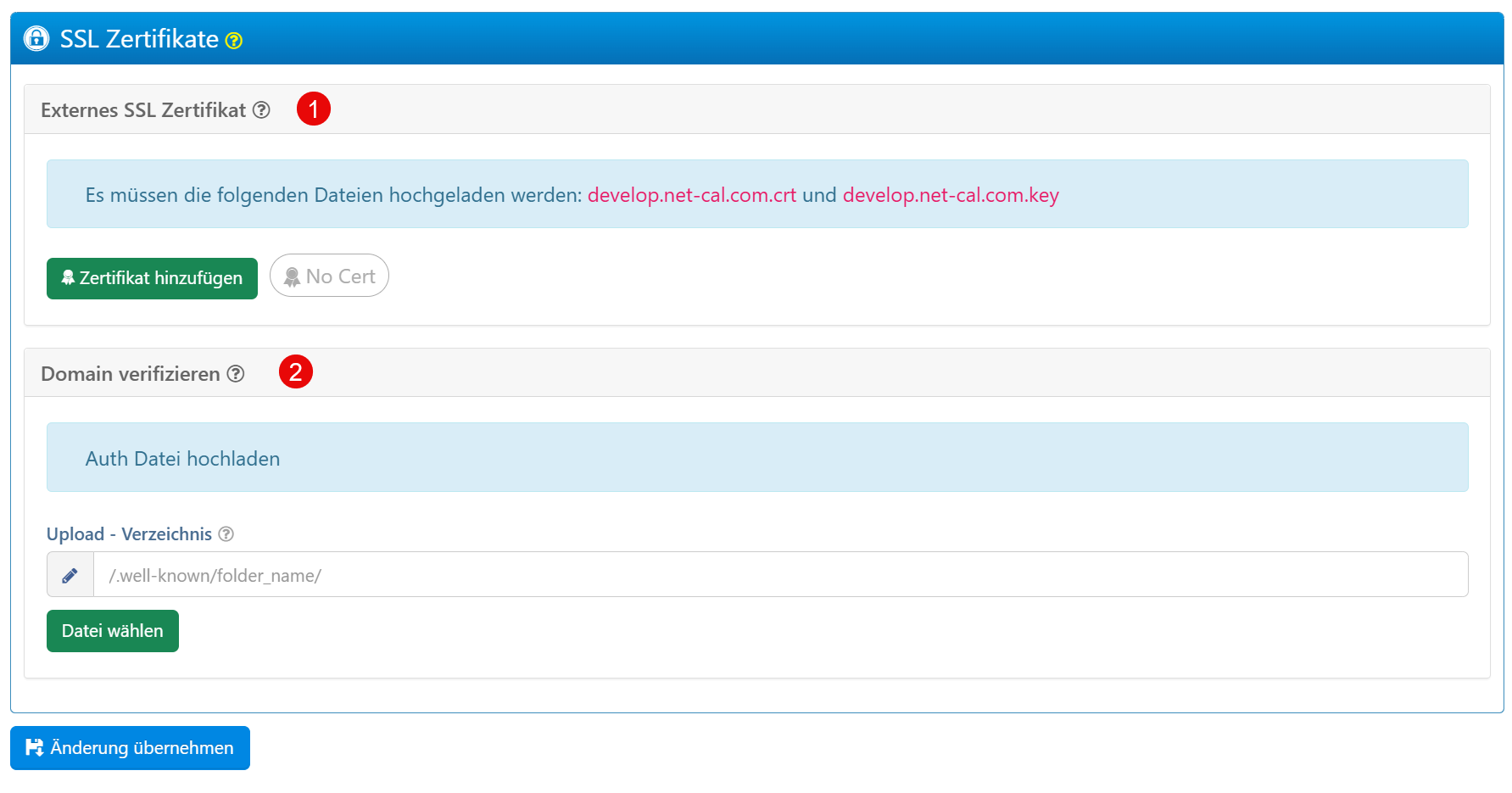
| Field | Description |
|---|---|
| External SSL Certificate | Upload of an external SSL certificate including private key. |
| Verify Domain | Upload of a verification file to complete the certificate installation. |
Info
When using Let's Encrypt via the Docker configuration, the certificate is managed automatically. A manual upload is only required for custom certificates.