Database
Under Administration > Settings > Database, an integrated database management tool (Adminer) is available. With it, administrators can directly access the underlying database to run queries, maintain data, or make configuration changes.
Login Screen
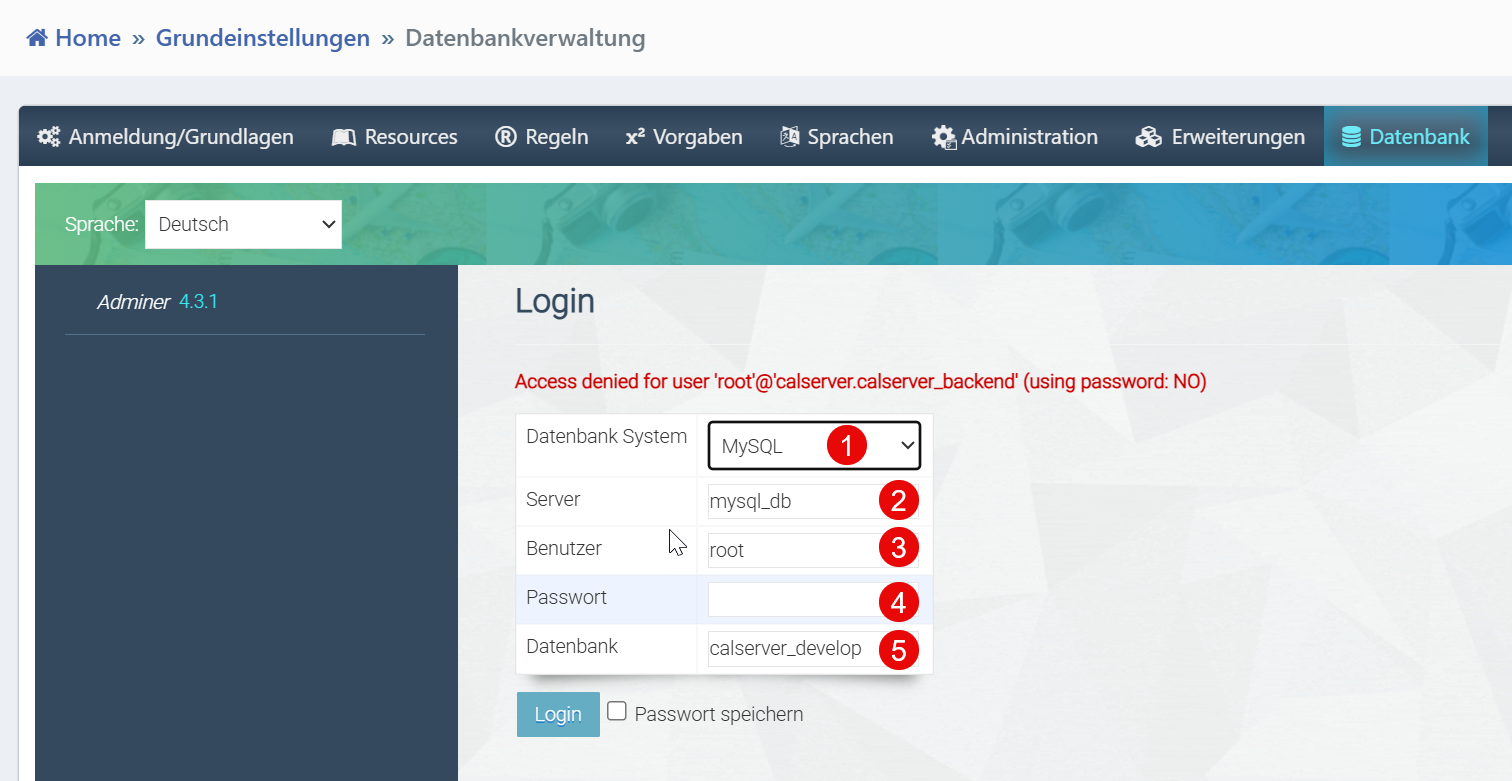
| Field | Description |
|---|---|
| Database System | Selection of the database system (e.g., MySQL, PostgreSQL). |
| Server | Hostname or IP address of the database server. In Docker environments, typically mysql_db. |
| User | Username for database authentication. |
| Password | Associated password. |
| Database | Name of the target database (e.g., calserver). |
Notes for Administrators
- Credentials should not be permanently stored in the interface.
- For production systems, it is recommended to assign restrictive user permissions.
- Secure connections via SSH tunnel or SSL.
- Failed connections can be analyzed via server logs.
Warning
Direct database access enables far-reaching changes to the system. Only use this tool if you are familiar with the database structure of calServer. Incorrect SQL commands can lead to data loss.