VISA API
Under Administration > Settings > Extensions > VISA API you configure the connection to the VISA measurement instrument interface (Virtual Instrument Software Architecture). Through this interface, calServer can communicate directly with measurement instruments that support the VISA standard.
Configuration
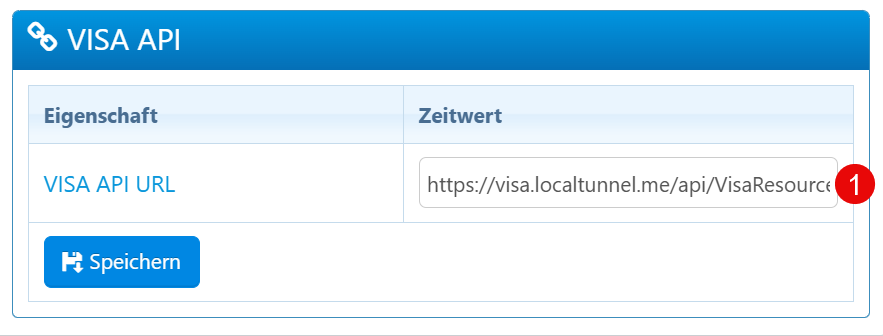
| Field | Description |
|---|---|
| VISA API URL | URL endpoint for communication with the VISA API. |
Setup
- Enter the complete URL of the VISA API endpoint (including protocol, hostname, and path).
- Save the configuration using the Save button.
Notes
- The URL must point to an HTTPS certificate with a valid domain when the system is used in production.
- In development environments, tunneling services (e.g. localtunnel) can be used. Ensure that the URL remains reachable at runtime.
- Changes to the API URL only take effect after saving.